Dual extrusion (or multi-extrusion) 3D printing is many things to many makers. To some, it’s the possibility of printing multicolor objects, cutting down on post-processing and finishing work after a part has been printed. For others, it’s a means to achieve more complex prints using soluble or breakaway support material – something not possible using a typical single-extruder 3D printer.
The space has largely trended away from technologies like independent dual extrusion (IDEX), with filament switching addons, toolchangers, and nozzle changers taking center-stage as the main ways to achieve multicolor and multi-material 3D printing.
How to Choose a Dual Extrusion 3D Printer
The considerations for dual extrusion 3D printers aren’t particularly complex. Ultimately, it’s all about the type of 3D print you want to achieve and how cleanly the printer can accomplish it.
Be Sure of What You Will Mostly Be Printing
While two extruders feeding material to a single nozzle risks cross-contamination of the materials and will require more rigorous purging of the nozzle for clean prints, an IDEX or toolchanger 3D printer uses entirely separate print heads for each material, minimizing contamination at the expense of added complexity to the motion system and calibration. Physical or software offsets may be needed to properly align IDEX print heads, so printers that automate this process reliably are integral to a decent multicolor or multi-material printing experience.
There are also dual-nozzle printers that have a single printhead but two nozzles that extrude independently. Compared to a single-nozzle 3D printer, these are a bit more flexible and can produce faster multi-material prints. Faster because less time is spent switching filaments, and more versatile because the separate nozzles allow printing with materials that require different temperatures. Some dual-nozzle printers add the risk of oozing filament from the inactive nozzle affecting your print, though, so print-quality measures like ooze shields and prime towers may be necessary.
Dual Nozzles Can Reduce Waste, but Increase Complexity
It’s a push-pull of factors, and each style of system offers some advantages over the others. Single-nozzle systems save on complexity and typically offer a rock-solid base printing experience with fewer calibration considerations. A toolchanger, meanwhile, excels at material flexibility and minimizing waste.
When selecting a multi-extrusion 3D printer, think about what you want to accomplish. If you’re just looking to print in multiple colors, a single-nozzle system is likely the most affordable and will keep upkeep to a minimum. If you want to print with soluble supports or different nozzle sizes, then you must look at multi-nozzle systems, be it IDEX, dual-nozzle, or a toolchanger.
Pro-Tip: Single-nozzle systems save on complexity but can be wasteful during color transitions. To offset this, utilize slicer settings to purge directly into the object's infill or print a secondary, dedicated functional object alongside your main print to absorb the purged material.
Best Multi/Dual Extruder & Multicolor 3D Printers
1. Bambu Lab A1 Mini Combo (Budget Pick)

Despite its mini size and name, the Bambu Lab A1 Mini is a surprisingly complete 3D printer, giving the full, slick, connected, and productive experience offered by the rest of Bambu Lab’s more premium line-up of 3D printers, in a compact form and slim price tag.
Key Specs
- Market Price (Approx., USD): $329
- Build Volume: 180 x 180 x 180 mm
- Multi-material Capability: Limited (only lower-temp materials such as PLA, PETG, PVA, and TPU; AMS Lite cannot feed TPU)
- Multicolor Capability: Up to 16 colors (via AMS Hub)
- Best Suited To: Low-cost entry point to multicolor 3D printing
What's Great
- Fast, self-calibrating "smarts"
- High-uniformity, high-speed prints
- Toolless nozzle changes
- Bundled with AMS Lite directly out of the box for four-spool capabilities
2. Snapmaker U1 (Toolchanger - Active Pick)
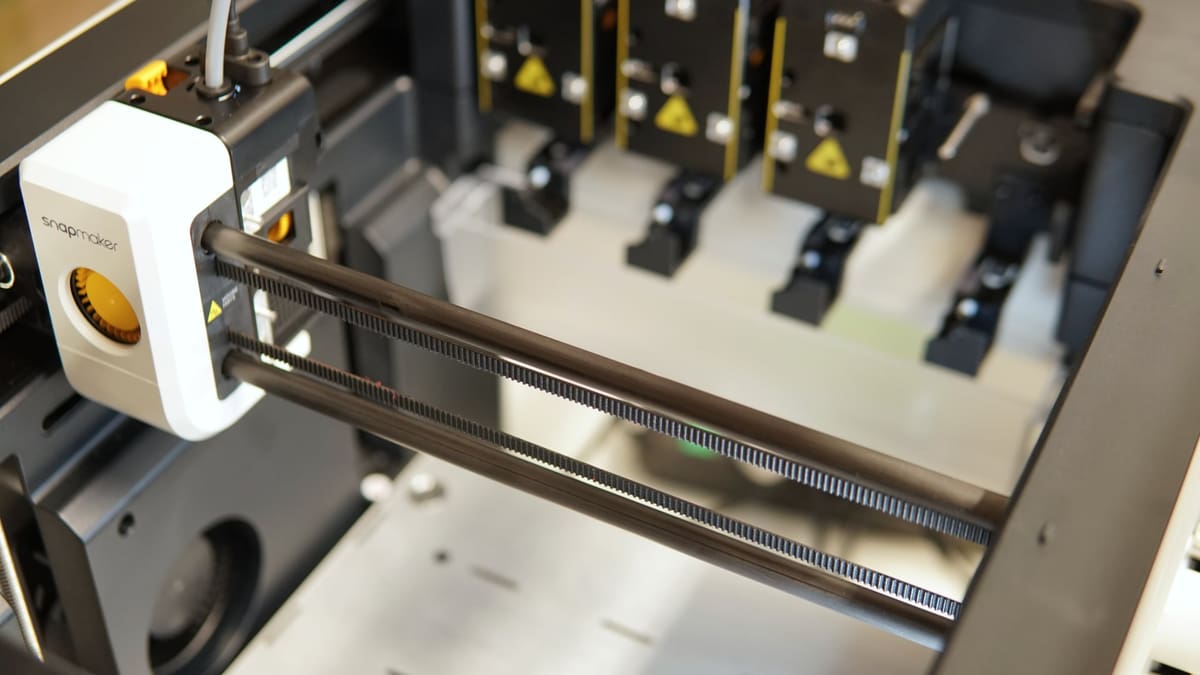
At its core, the Snapmaker U1 is a "traditional" toolchanger—it uses a carriage system to deposit and pick up complete extruder and hot end assemblies as required. This means filament changes happen quickly and cleanly, with no purging of nozzles between.
Key Specs
- Market Price (Approx., USD): $849 (presale) / $999 (retail)
- Build Volume: 270 x 270 x 270 mm
- Multi-material Capability: Unlimited (300 °C toolheads)
- Multicolor Capability: Up to four colors
- Best Suited To: Material change-heavy jobs, dedicated support materials, waste-free multicolor 3D printing
What's Great
- Zero-waste filament changes via the SnapSwap system (5-second changeover)
- Open-firmware flexibility (runs unlocked Klipper)
- User-friendly material handling with automated loading/unloading queues and filament autoloaders
3. Bambu Lab H2C (Toolchanger - Passive Pick)
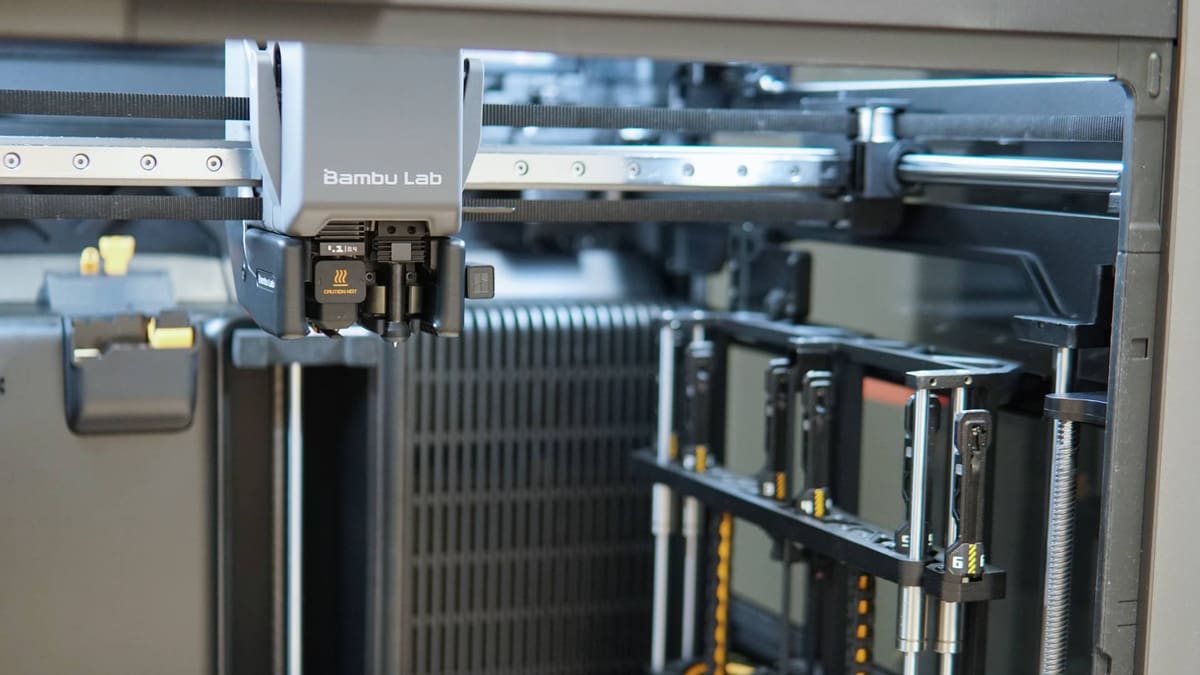
The pinnacle of Bambu Lab’s line-up is a technological powerhouse, building on the sensor-laden H2D and H2S that came before it with one crucial new addition in the Vortek nozzle-changing system, which grants purge-free seven-material printing.
Key Specs
- Market Price (Approx., USD): $2,399
- Build Volume: 330 x 320 x 325 mm
- Multi-material Capability: Unlimited
- Multicolor Capability: Up to 24 colors
- Best Suited To: Material change-heavy jobs, dedicated support materials, multi-material 3D printing
What's Great
- Wireless induction hotends that wirelessly hold data and heat up rapidly
- Seven-material efficiency with zero purge at nozzle changes
- Versatile nozzle mixing (allows mixing of 0.2 mm, 0.4 mm, 0.6 mm, and 0.8 mm nozzles on the rack)
4. Bambu Lab H2D (Dependent Dual Nozzle Pick)
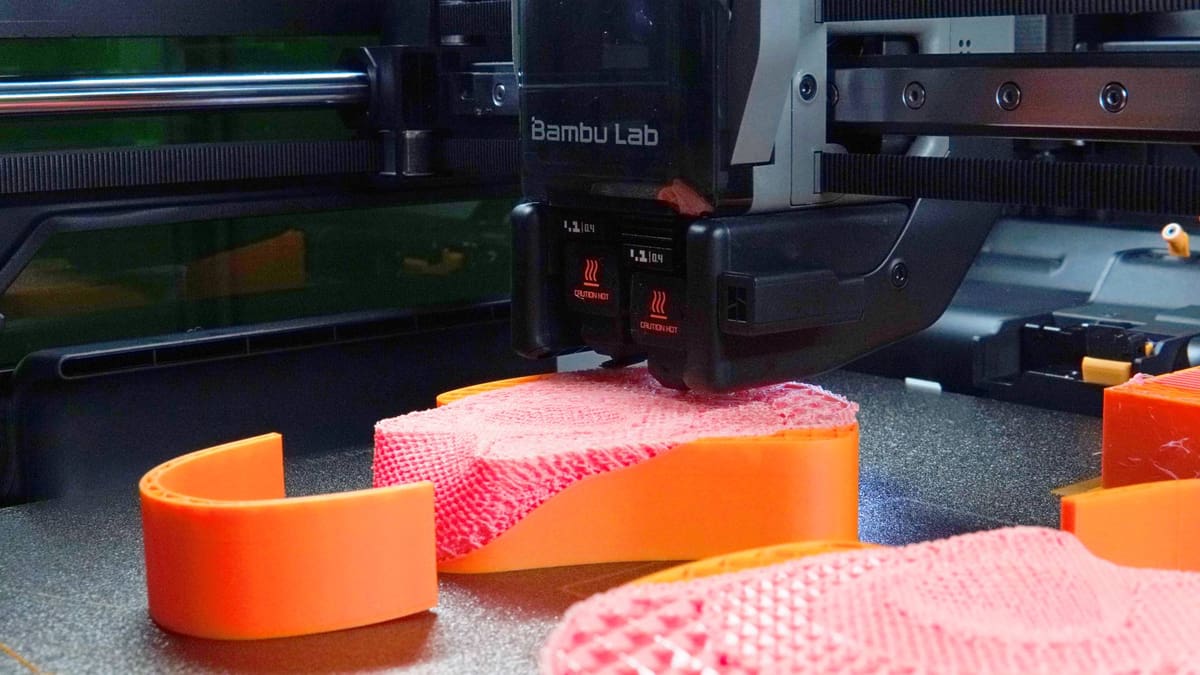
Bambu Lab’s H2D grows the fast, effortless Bambu Lab formula to a spacious format while tackling the material inefficiencies that generations of single-nozzle machines normalized.
Key Specs
- Market Price (Approx., USD): From $1,749 ($1,999 with AMS 2 Pro Combo)
- Build Volume: 350 x 320 x 325 mm
- Multi-material Capability: Unlimited
- Multicolor Capability: Up to 24 colors
- Best Suited To: Dedicated support materials, multi-material and vast multicolor 3D printing
What's Great
- Purge-free material switching with only a slender prime tower using its dependent dual nozzles
- Large-format build volume for ambitious projects
- Clever actuation system to lift the idle nozzle and block its opening to prevent ooze
- Optional multi-modal making upgrades like laser cutting, drag-knife, and pen plotter
5. Creality K2 Pro Combo (Single-Nozzle Pick)
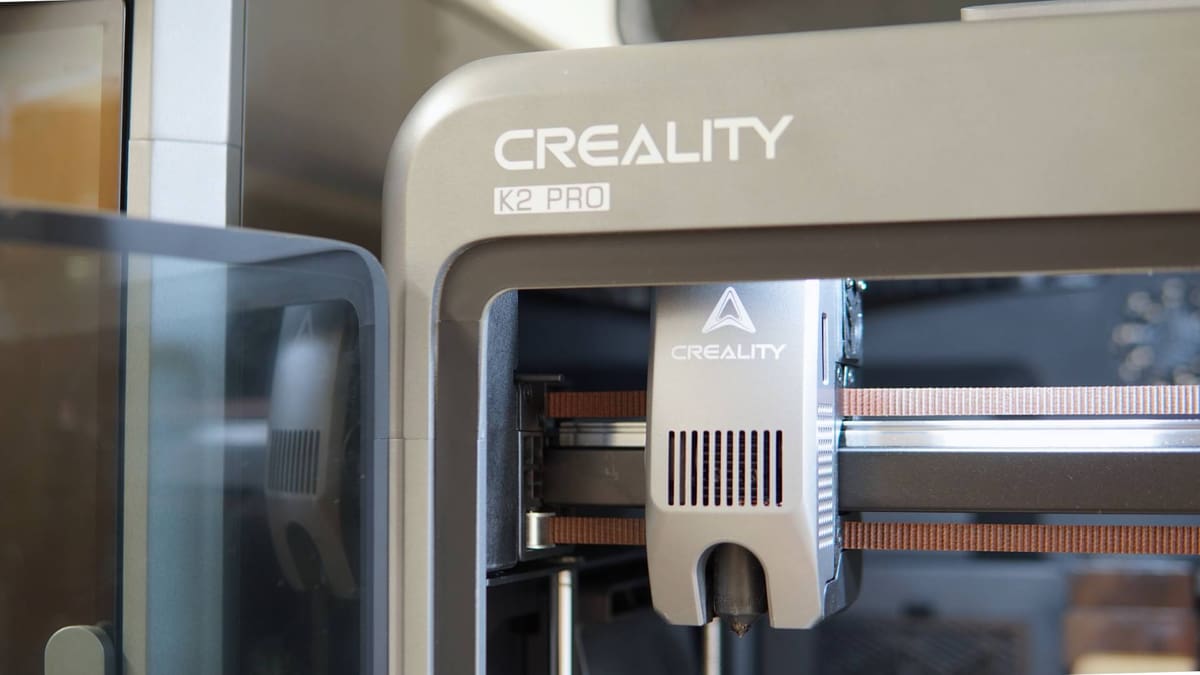
Part of Creality's modern connected era, the K2 Pro natively supports the Creality Filament System (CFS), a four-filament switcher that can be chained with three others for up to 16-filament printing.
Key Specs
- Market Price (Approx., USD): $1,049
- Build Volume: 300 x 300 x 300 mm
- Multi-material Capability: Limited
- Multicolor Capability: Up to 16 colors
- Best Suited To: Wide-ranging general purpose printing, selective use of alternate colors/materials
What's Great
- Active chamber heating (up to 60 °C) for warp-prone materials
- Expandable 16-filament printing using the CFS system
- Full print-chamber monitoring, integrated air filtration, and root-permitted Klipper firmware
Structured Comparison Matrix
| 3D Printer | Modeling Type | Build Volume (mm) | Multicolor Capacity | Starting Price (USD) |
|---|---|---|---|---|
| Bambu Lab A1 Mini Combo | Single-Nozzle Switcher | 180 x 180 x 180 | Up to 16 colors | $329 |
| Snapmaker U1 | Toolchanger (Active) | 270 x 270 x 270 | Up to 4 colors | $849 (presale) |
| Bambu Lab H2C | Toolchanger (Passive) | 330 x 320 x 325 | Up to 24 colors | $2,399 |
| Bambu Lab H2D | Dependent Dual-nozzle | 350 x 320 x 325 | Up to 24 colors | $1,749 |
| Creality K2 Pro Combo | Single-Nozzle Switcher | 300 x 300 x 300 | Up to 16 colors | $1,049 |
Glossary of Terms
- FDM (Fused Deposition Modeling): A 3D printing process that extrudes heated thermoplastic material through a moving nozzle to build an object layer by layer.
- G-Code: The machine language used to instruct computerized tools such as 3D printers, defining coordinates, speeds, and temperatures.
- Hot End: The cluster of components that heat and melt the plastic for deposition through the nozzle.
- Extruder: The motor and accompanying gears that grip the filament, feeding it to the hot end.
- Bowden: An extruder design where the motor is mounted on the frame and pushes filament through a long PTFE tube to the hot end.
- Direct Extruder: An extruder setup where the motor is mounted directly above the hot end.
- Slicer: A software program that translates a 3D model into flat layers and generates the necessary G-code instructions for the printer.
Summary & Recommendation
Selecting the ideal multi-material printer depends heavily on your budget and primary goals:
- For Tight Budgets & Beginners: The Bambu Lab A1 Mini Combo is an unbeatable entry point at $329, providing automated calibrations and four-color printing out of the box.
- For Zero-Waste Multicolor Printing: The Snapmaker U1 offers a rapid 5-second toolchange speed, completely eliminating the waste from typical color purging cycles.
- For Large Prints & Support Materials: The Bambu Lab H2D offers a massive build envelope alongside two independent nozzles to switch cleanly between primary materials and support filaments.
- For Absolute Peak Efficiency: The Bambu Lab H2C leverages state-of-the-art wireless induction hotends for purge-free seven-material capabilities.
Which multi-material system fits your workflow best? Are you team Single-Nozzle Switcher, or are you looking to upgrade to a complete Toolchanger? Let us know in the comments below!