These 5 ESP32 and Raspberry Pi Smart Home Projects Take a Weekend and Cost Less Than $50
Summary: Discover five practical, budget-friendly smart home projects powered by the ESP32 microcontroller and Raspberry Pi single-board computer that can be built over a weekend for under $50. These implementations emphasize local network control, containerized software deployments, and independence from cloud services to maintain long-term reliability.
Key Takeaways
- Local Sovereignty: Relying on local control protects smart home hardware from cloud deprecation and privacy risks.
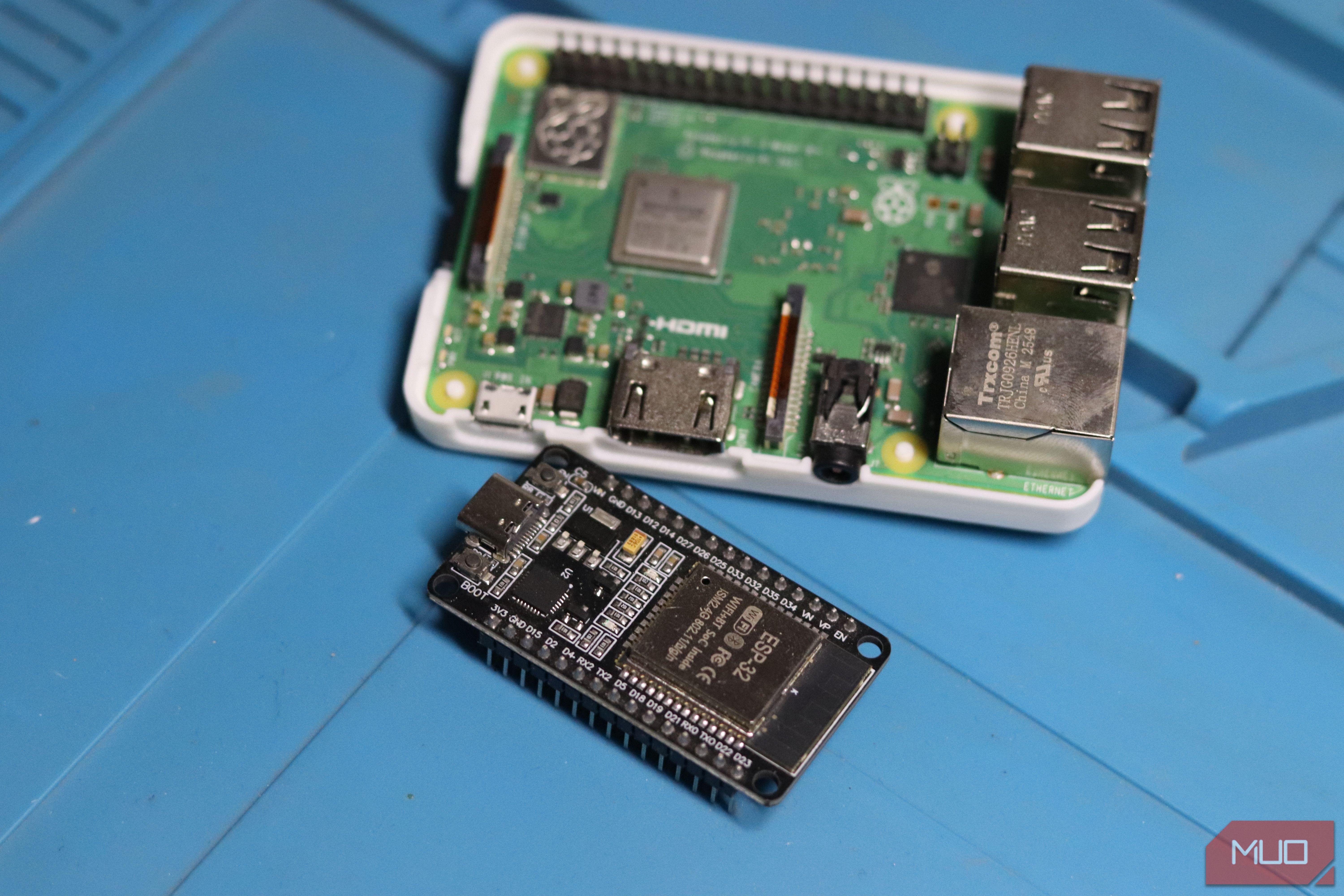
- Cost-Effective Modular Hardware: Combining low-cost ESP32 microcontrollers ($5) with Raspberry Pi hardware provides extensible smart home automation at a fraction of commercial costs.
- Containerized Architecture: Using Docker on single-board computers simplifies the management, isolation, and backup of self-hosted services.
Detailed Overview
A single free weekend is enough time to convert a spare Raspberry Pi or an inexpensive ESP32 microcontroller board into genuinely functional smart home hardware. These projects are compact enough to reach a complete first version before the weekend ends, yet modular enough to accommodate future expansions.
Crucially, these builds favor local network execution, reusable hardware components, and open-source software that remains operational regardless of third-party cloud service policy updates.
Deep Dive & Technical Insights
1. Pi Home Server Foundation
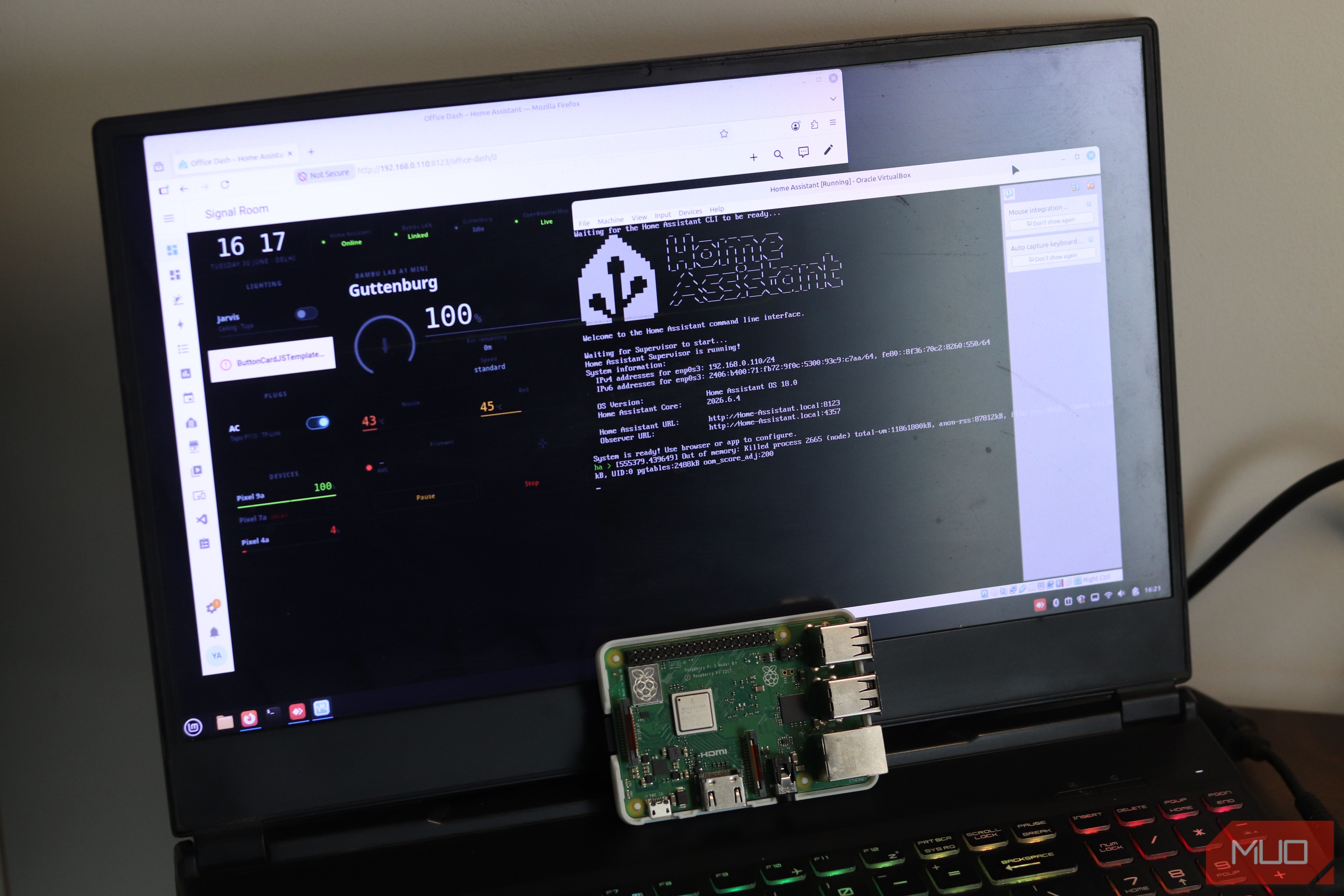
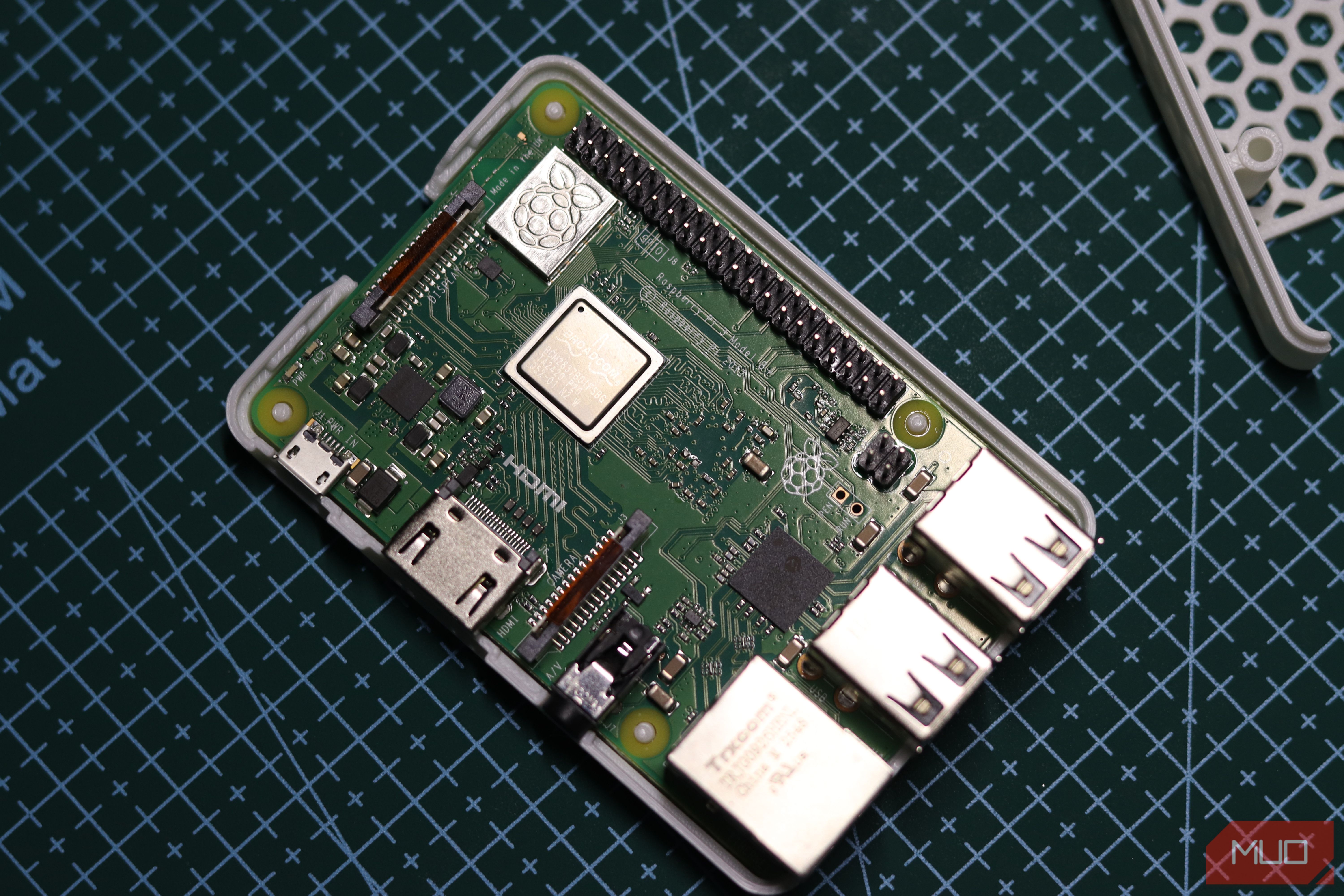
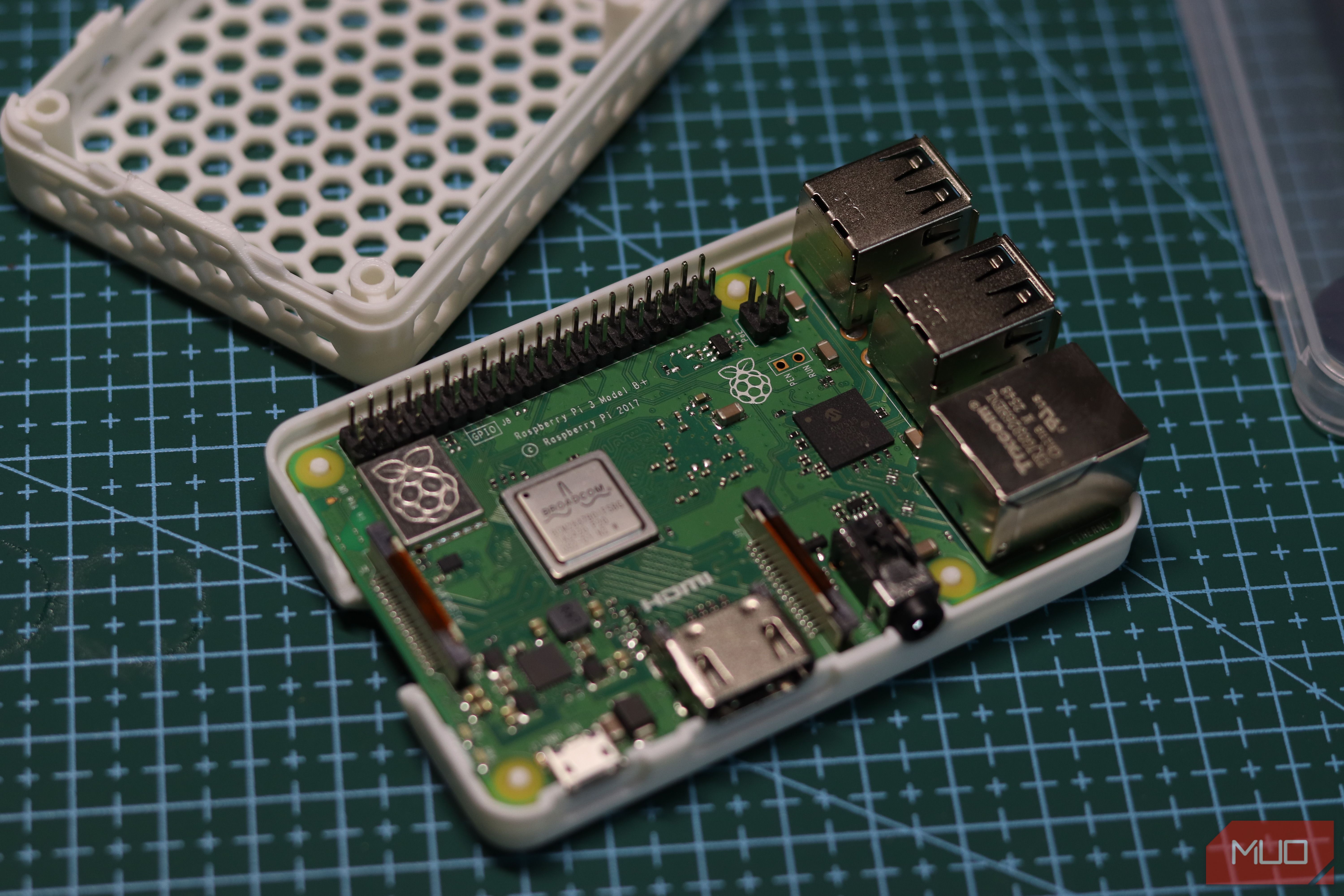
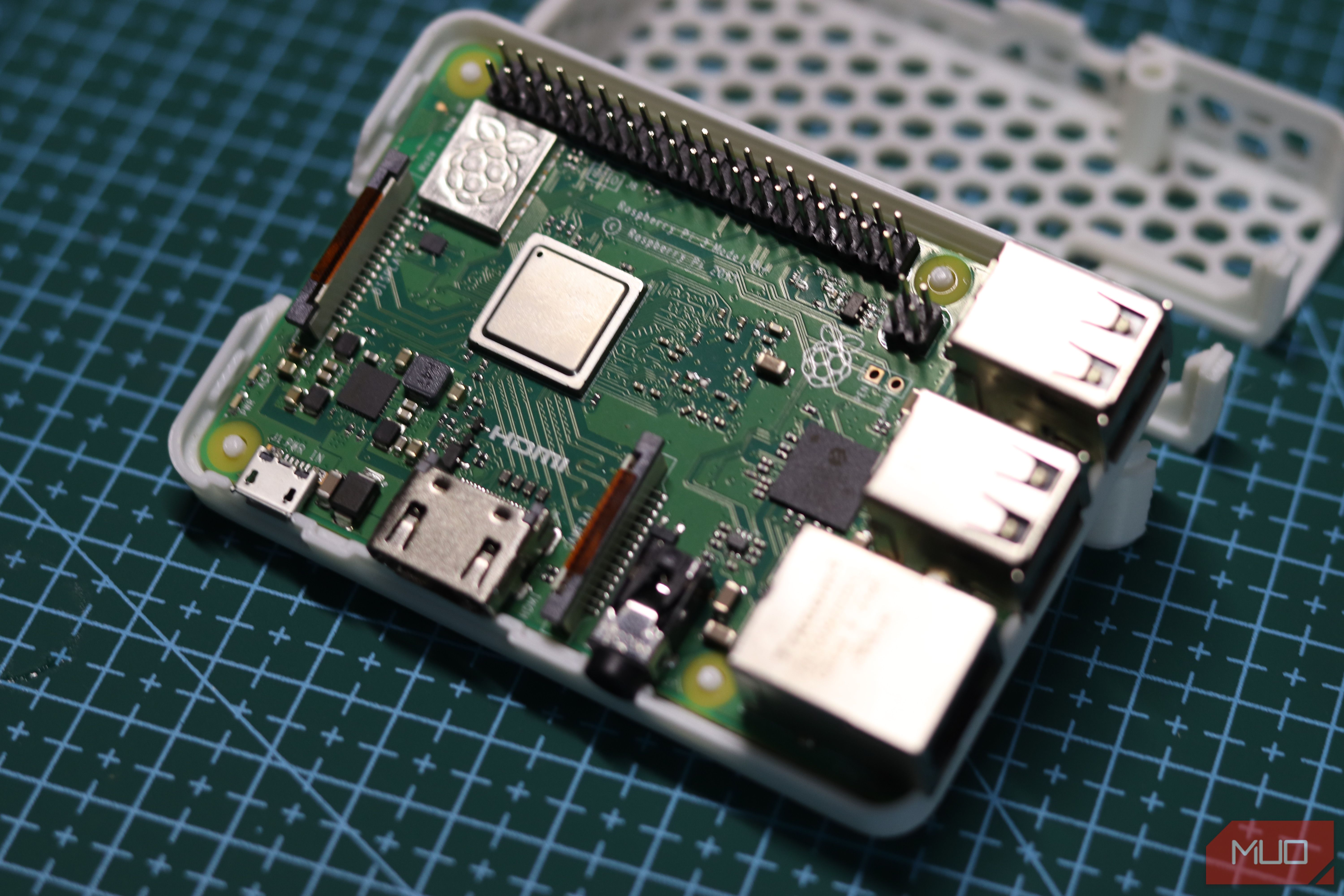
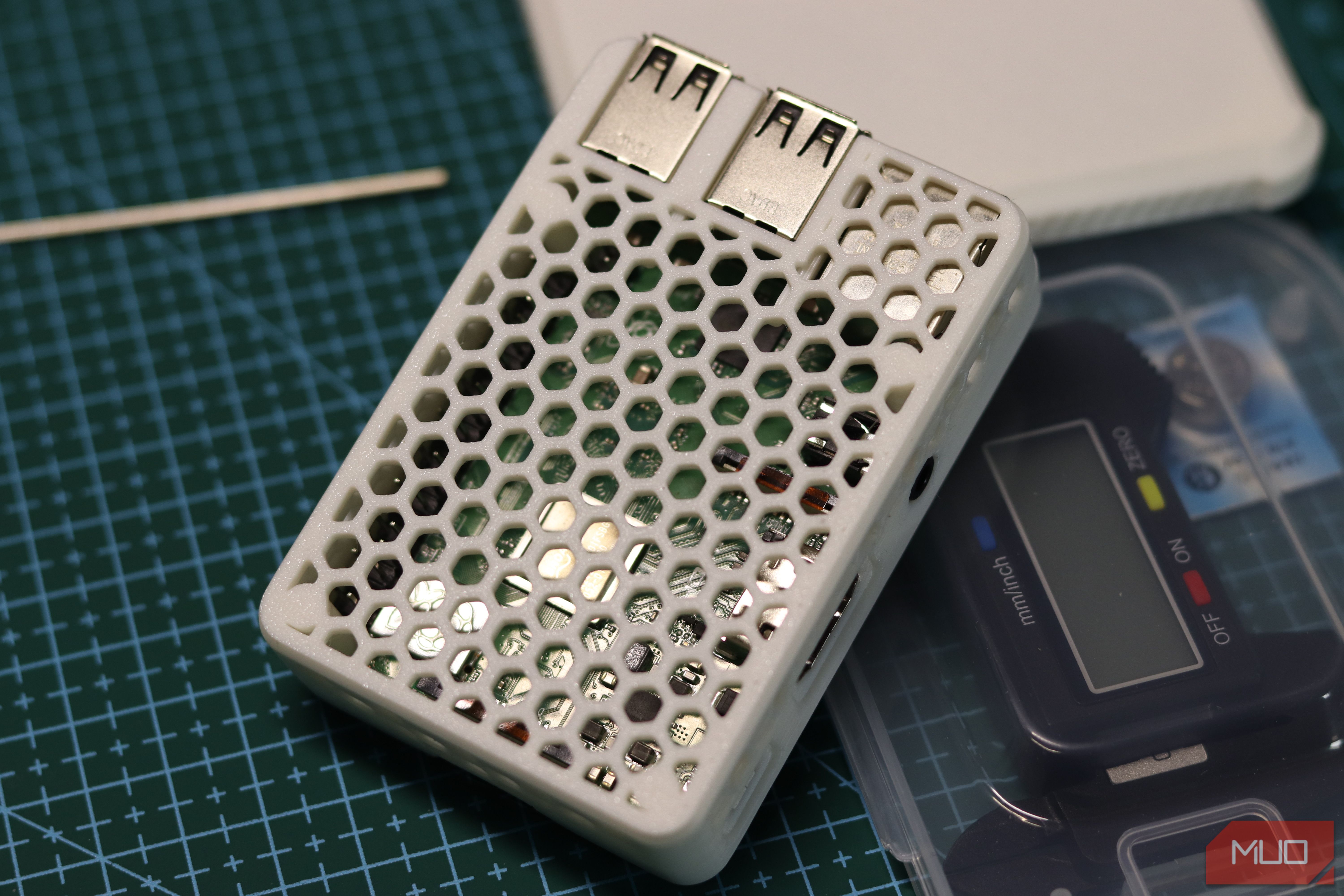
A headless Raspberry Pi server forms the central hub for local network automation and container management.
Setup & Deployment
- OS Flashing: Using Raspberry Pi Imager, select 64-bit Raspberry Pi OS Lite. Preconfigure SSH keys, static network parameters, and device hostnames prior to initial boot to allow headless deployment over Ethernet without requiring display peripherals.
- Containerization: Install Docker and Docker Compose. Maintain isolated service directories for deployed applications.
- Core Services:
- AdGuard Home: Network-wide DNS filtering and sinkholing.
- Syncthing: Continuous, decentralized peer-to-peer file synchronization across local devices.
- Uptime Kuma: Self-hosted telemetry and status monitoring for local network infrastructure.
- Hardware Selection: A Raspberry Pi 4 or Pi 5 paired with an external USB SSD is recommended to mitigate SD card degradation caused by heavy I/O service logs.
2. Local AI Security Camera via Frigate NVR
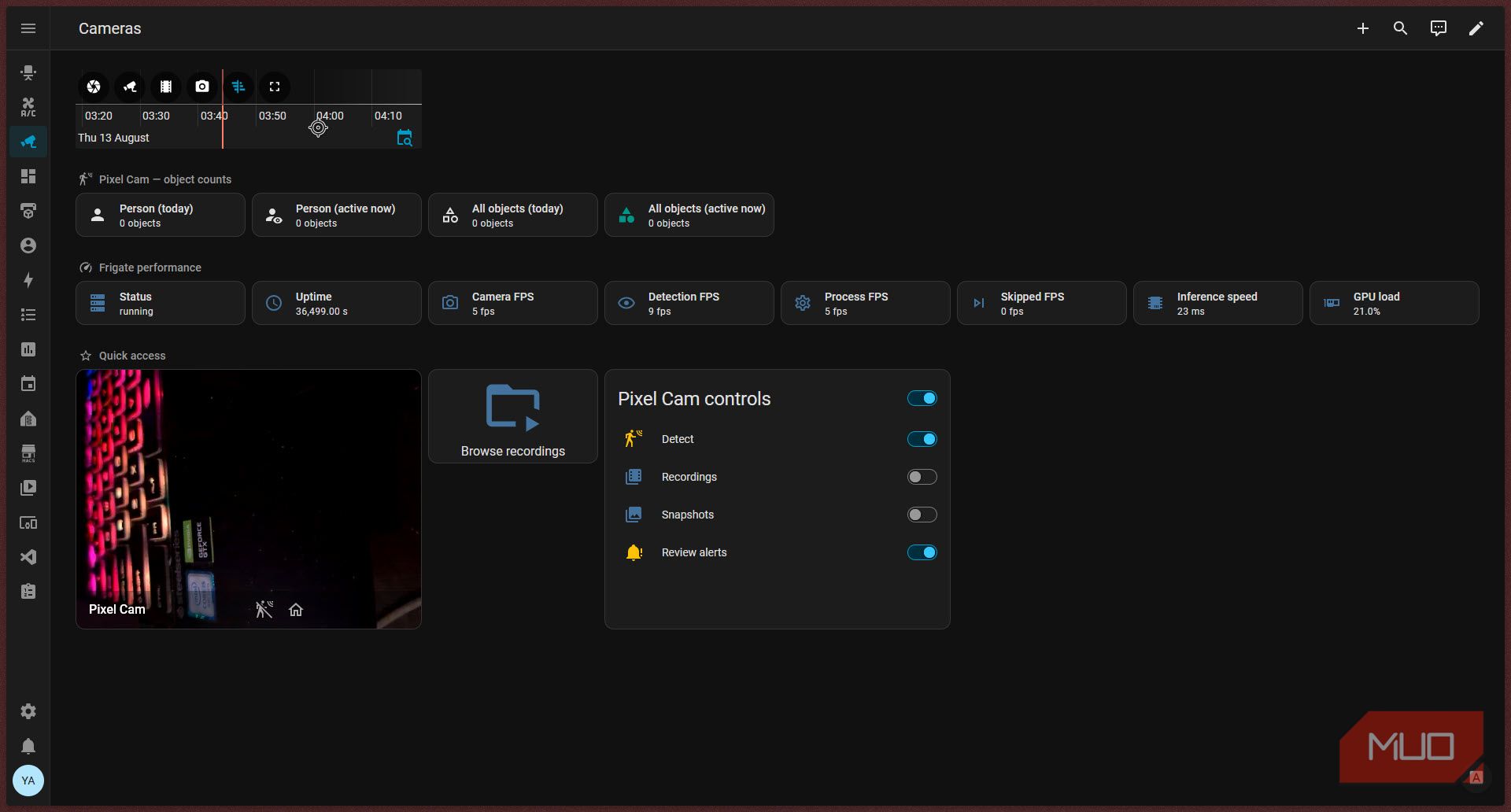
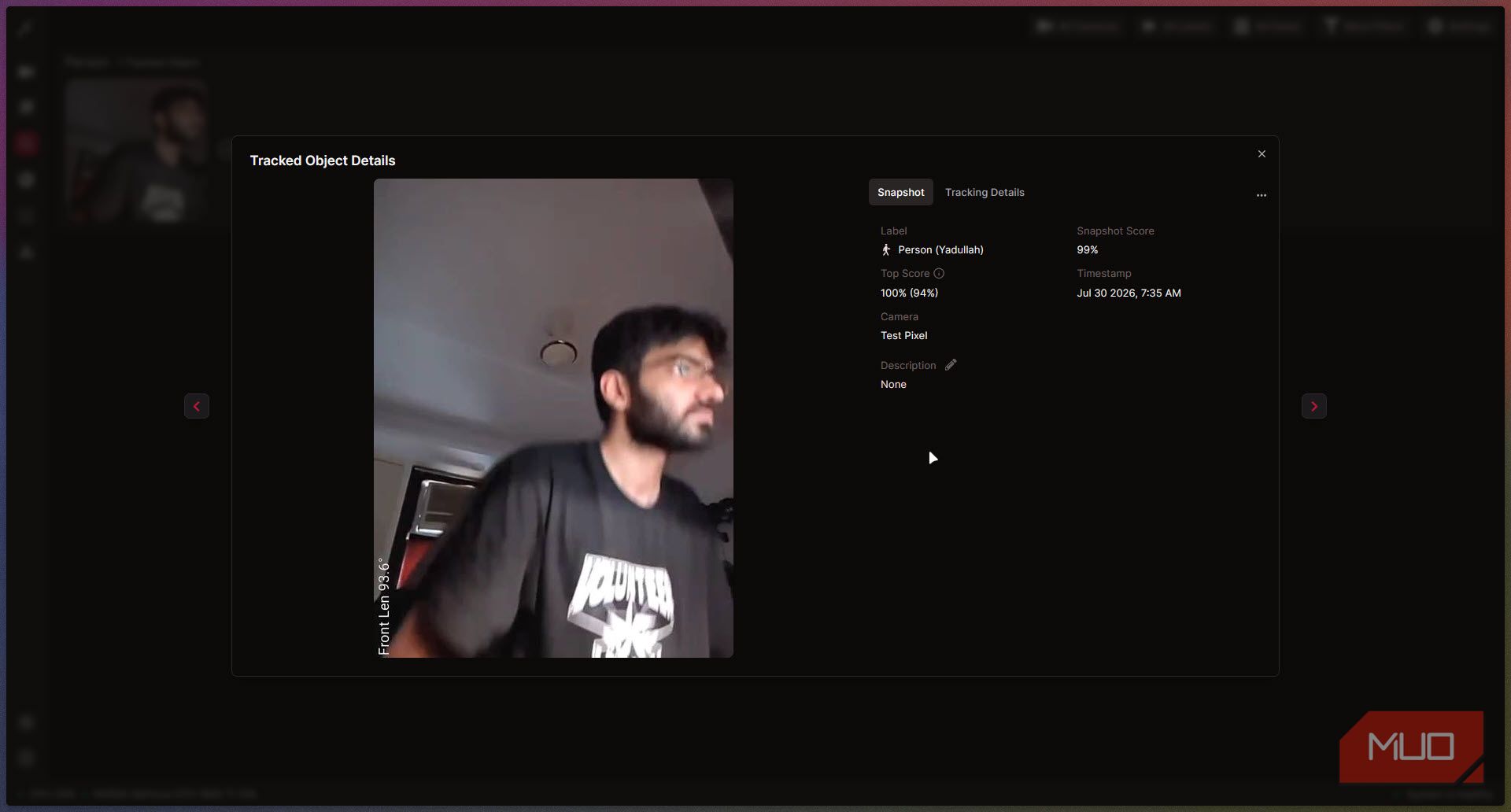
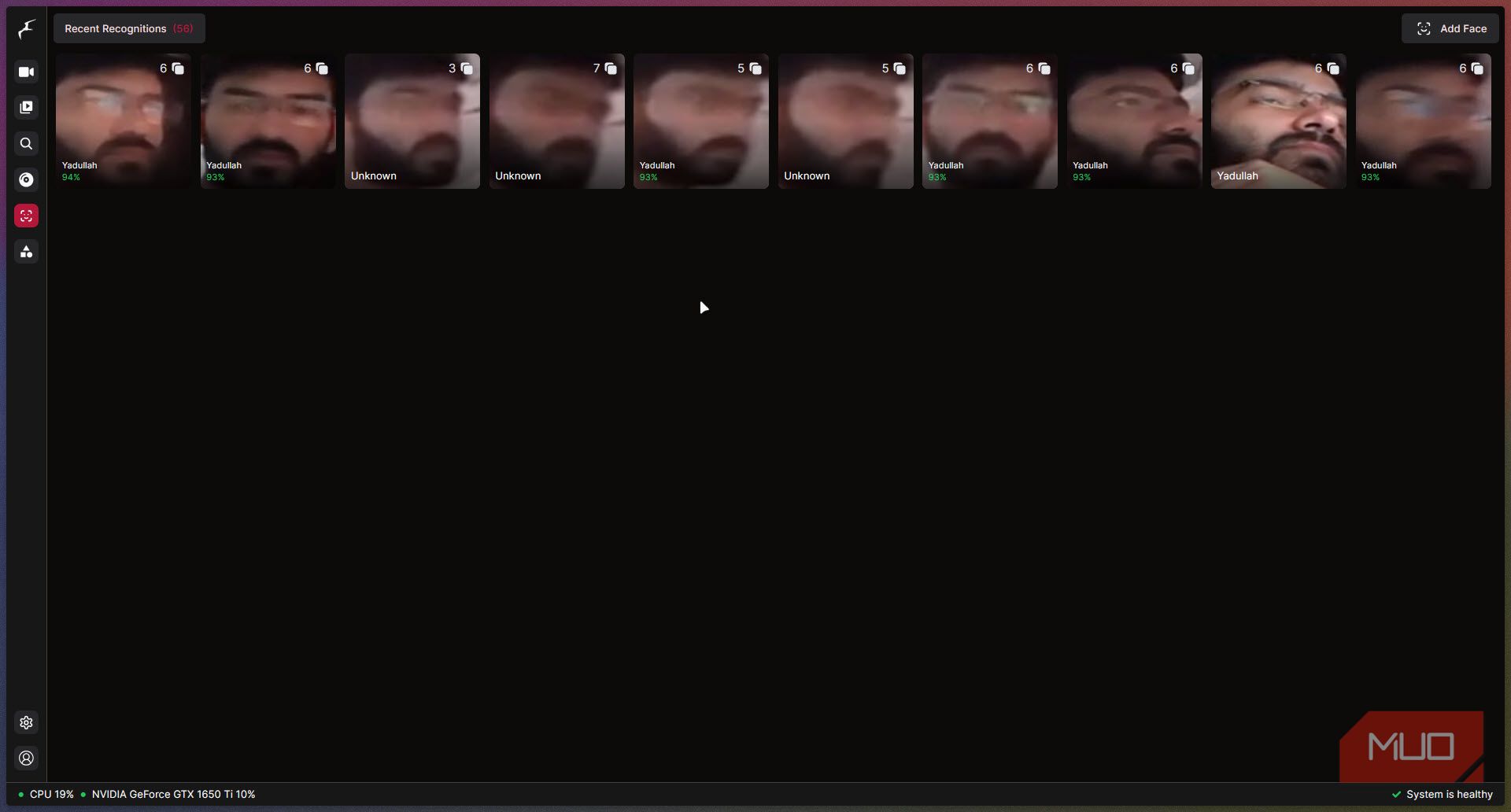
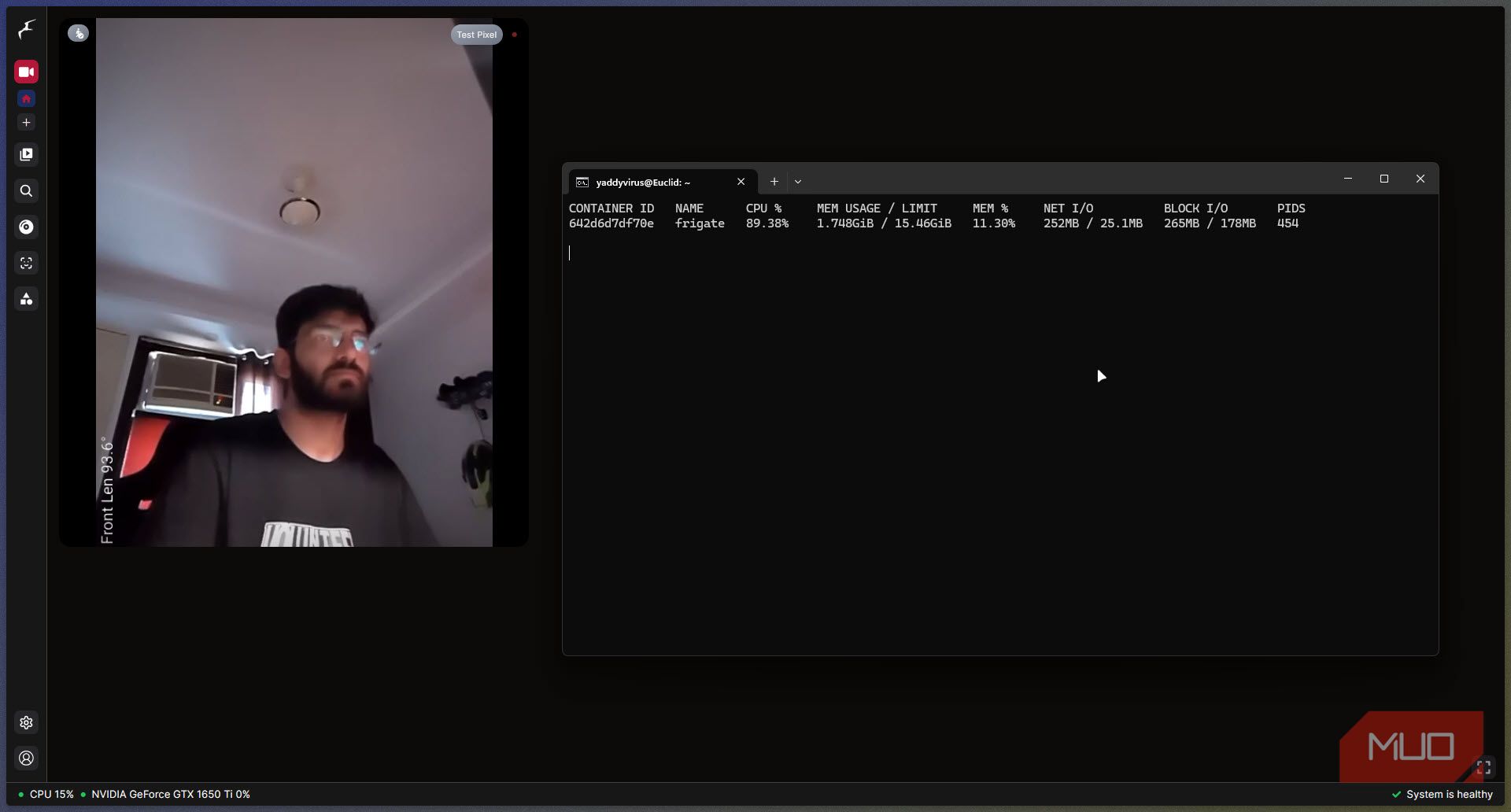
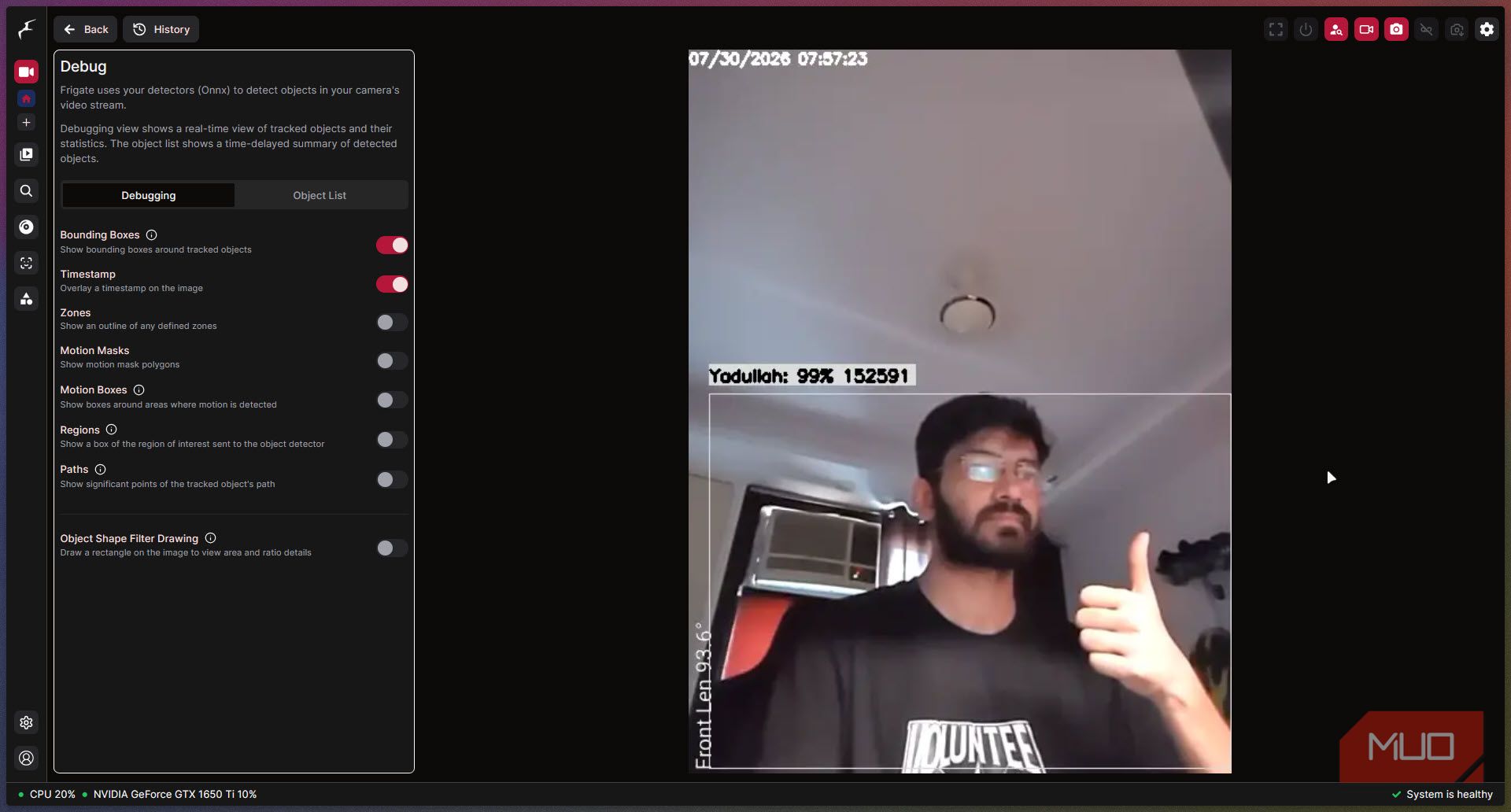
By leveraging a standard USB webcam connected to a Raspberry Pi, you can execute edge object detection locally through Frigate NVR.
System Architecture & Pipeline
- Video Feed Capture: Enumerate device nodes using
v4l2-ctland query device formats using FFmpeg. Map/dev/video0into the Docker container and utilizego2rtcfor internal stream redistribution. - Inference Optimization: Configure low-resolution detection streams (e.g., 720p resolution at 5 frames per second) to limit CPU resource consumption. Hardware coprocessors like the Hailo AI accelerator on Pi 5 or a Google Coral USB TPU handle real-time bounding box object detection.
- Hardware Limitations: Frigate's facial recognition module requires CPU instruction sets supporting AVX/AVX2, which ARM-based microprocessors lack. Therefore, system design must focus strictly on local person/object detection rather than facial feature identification.
3. Privacy-Preserving ESP32 Voice Satellite
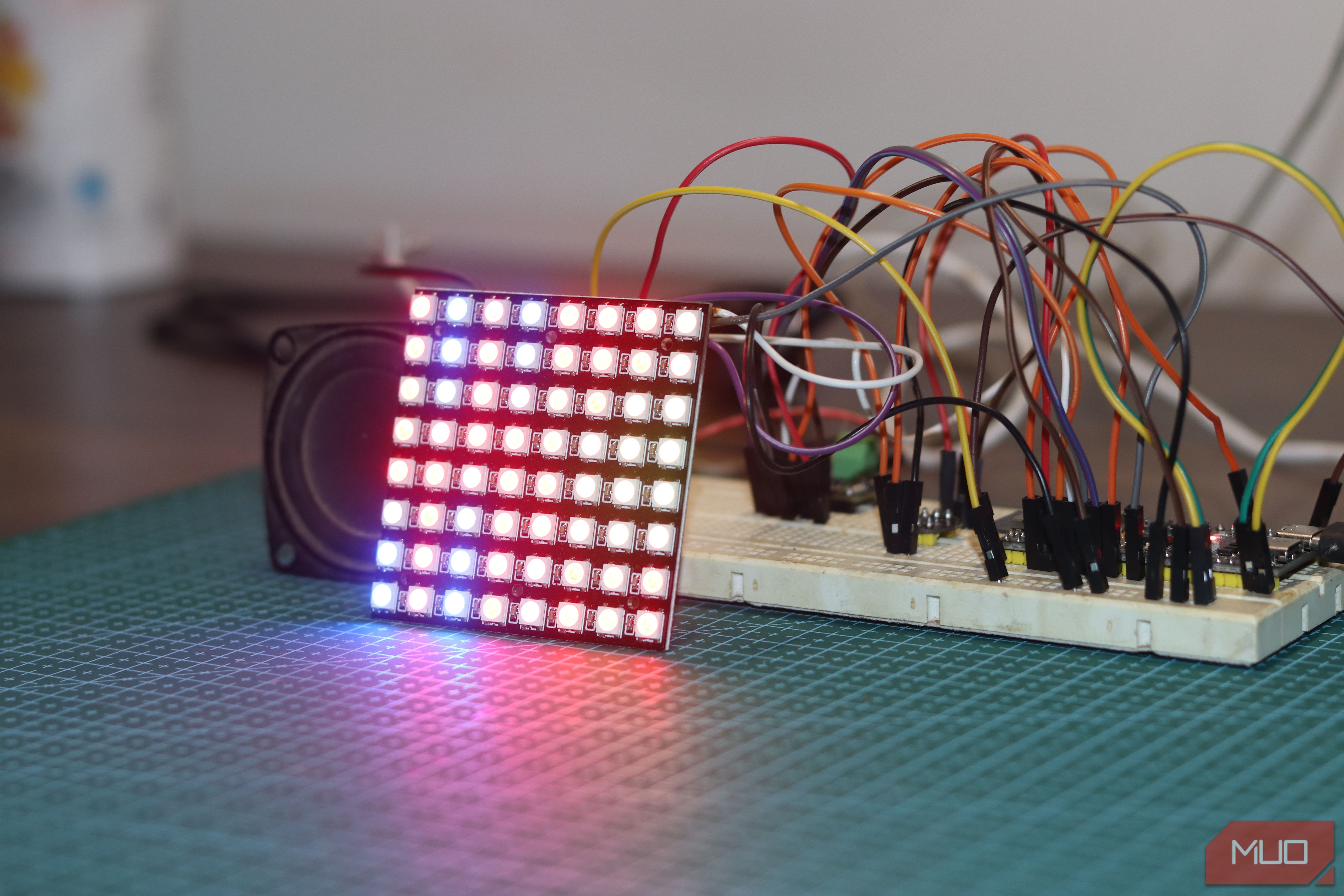
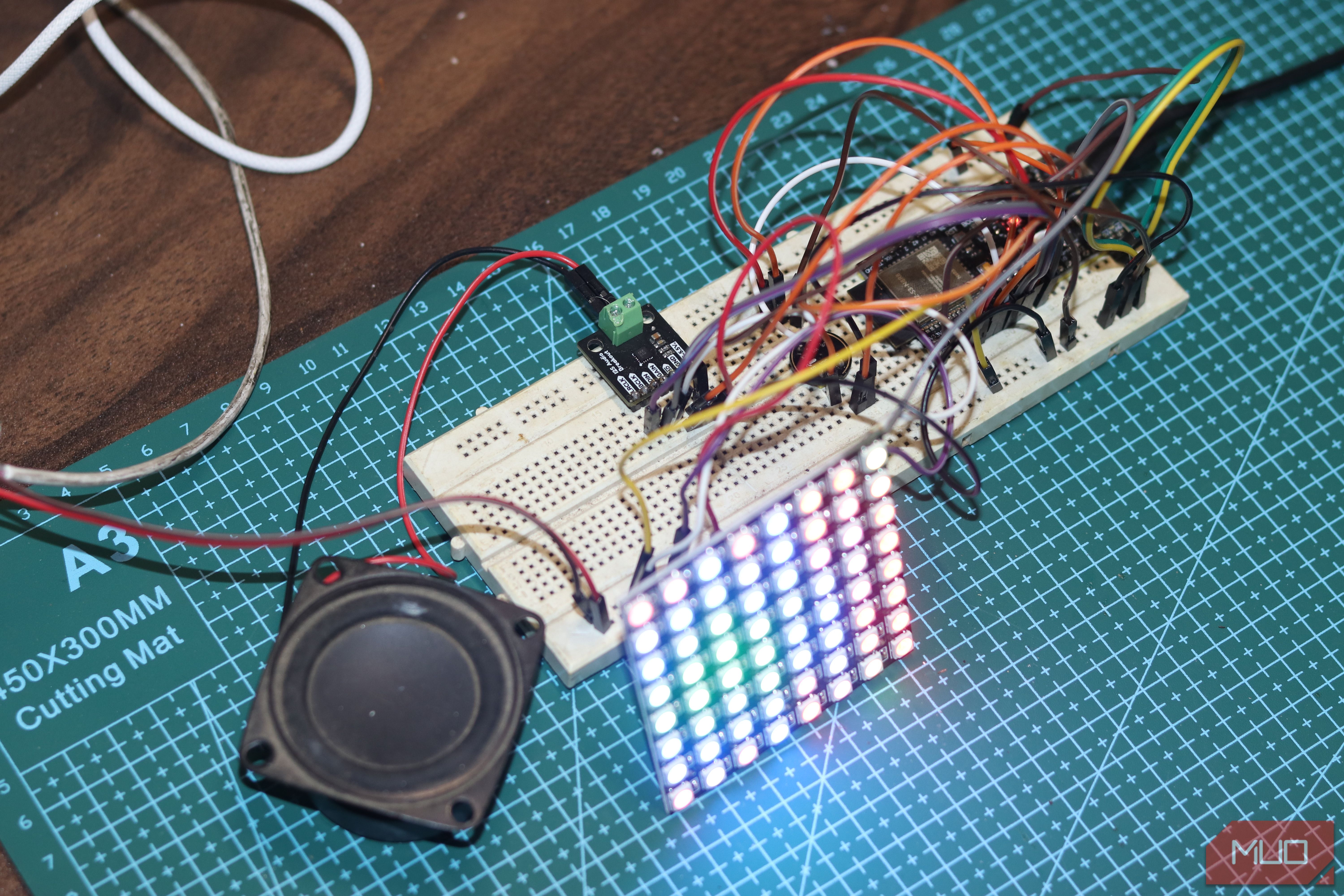
Eliminating third-party cloud voice telemetry involves using an ESP32-S3 microcontroller as an edge microphone satellite communicating with a local Large Language Model (LLM).
Hardware Component Integration
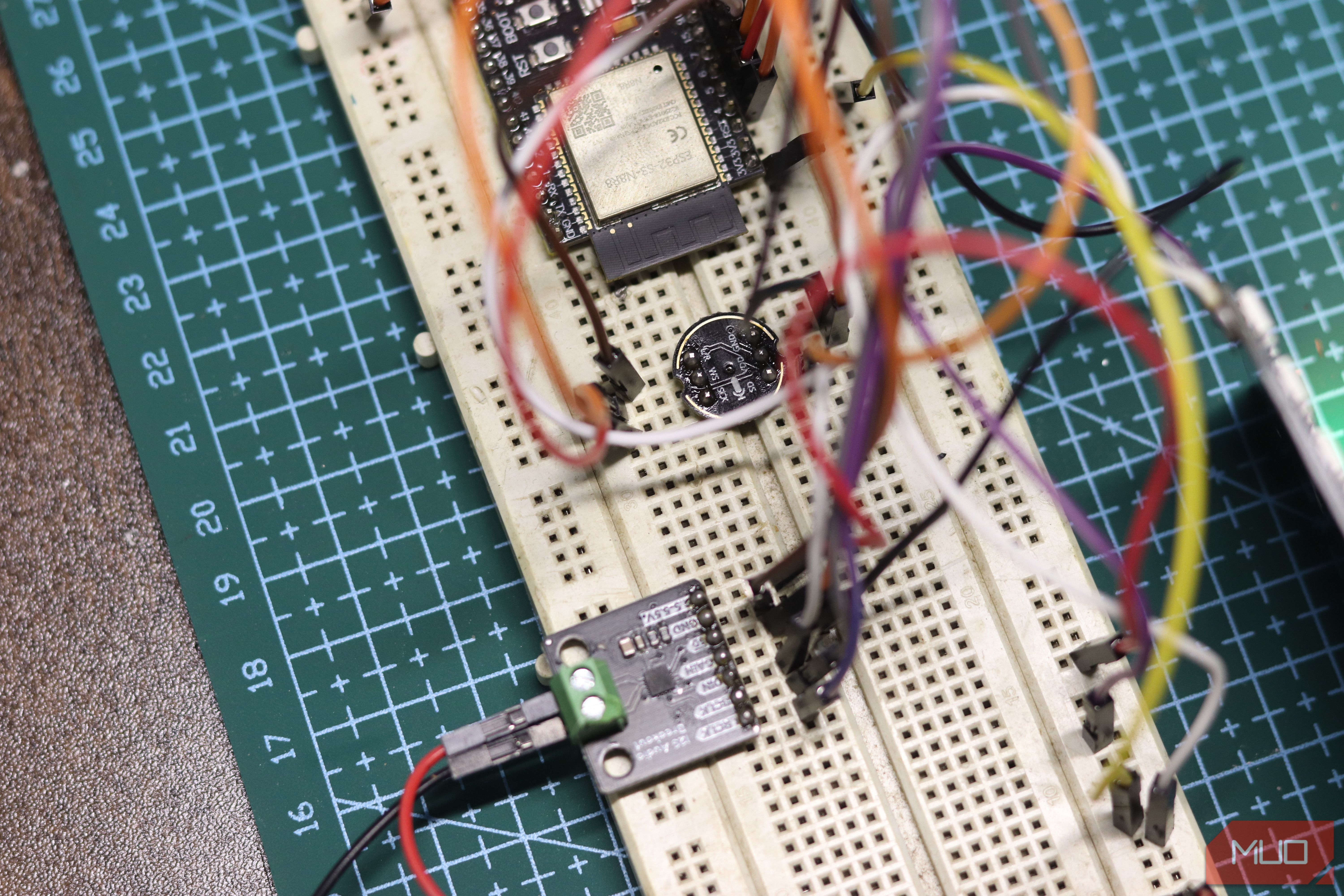
- Microcontroller: ESP32-S3 (N8R8 variant providing 8MB PSRAM / 8MB Flash).
- Audio Capture & Output:
- INMP441: Omnidirectional MEMS microphone with I2S digital audio output interface.
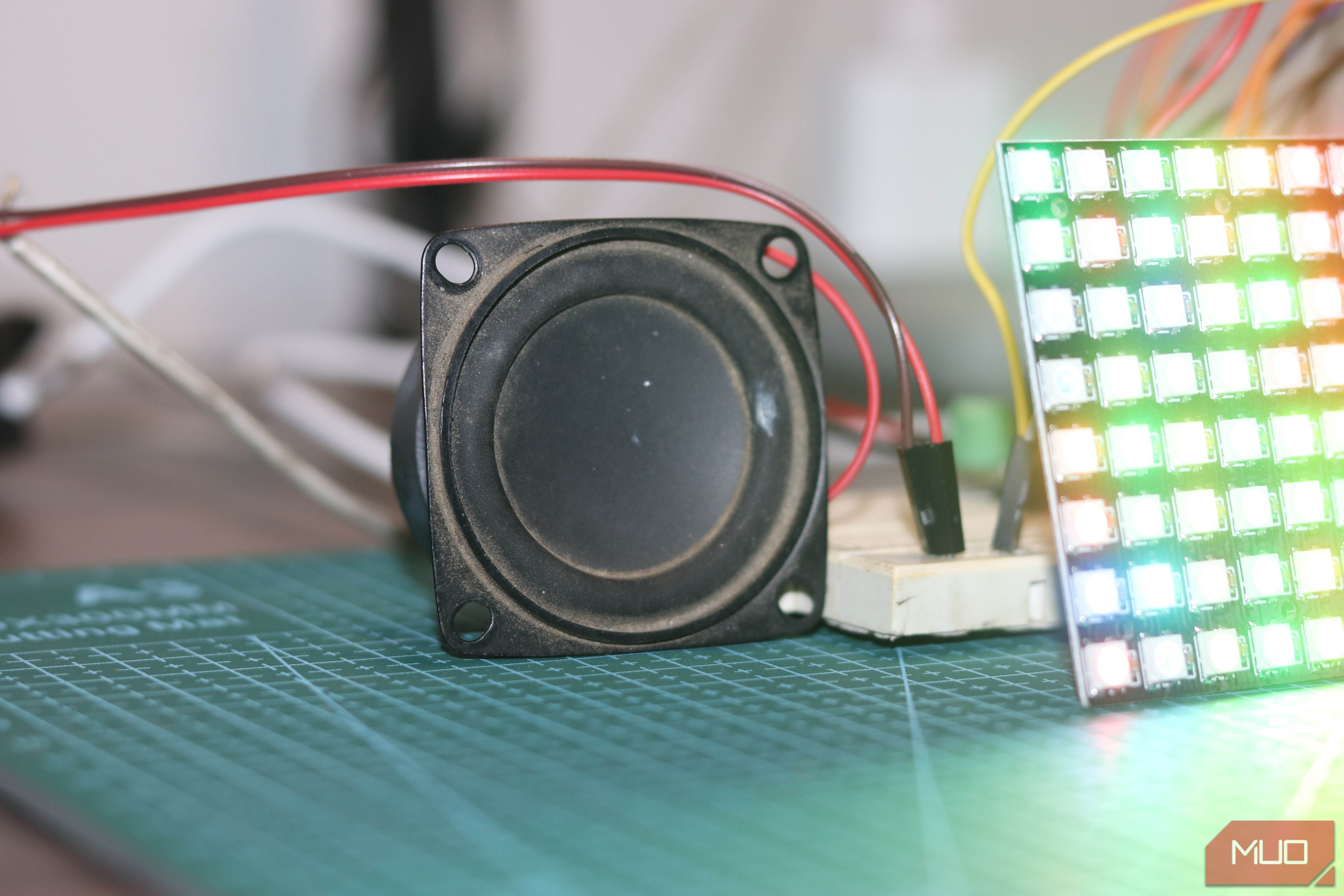
- MAX98357A: Class D I2S digital-to-analog converter (DAC) amplifier board driving a 4Ω speaker.
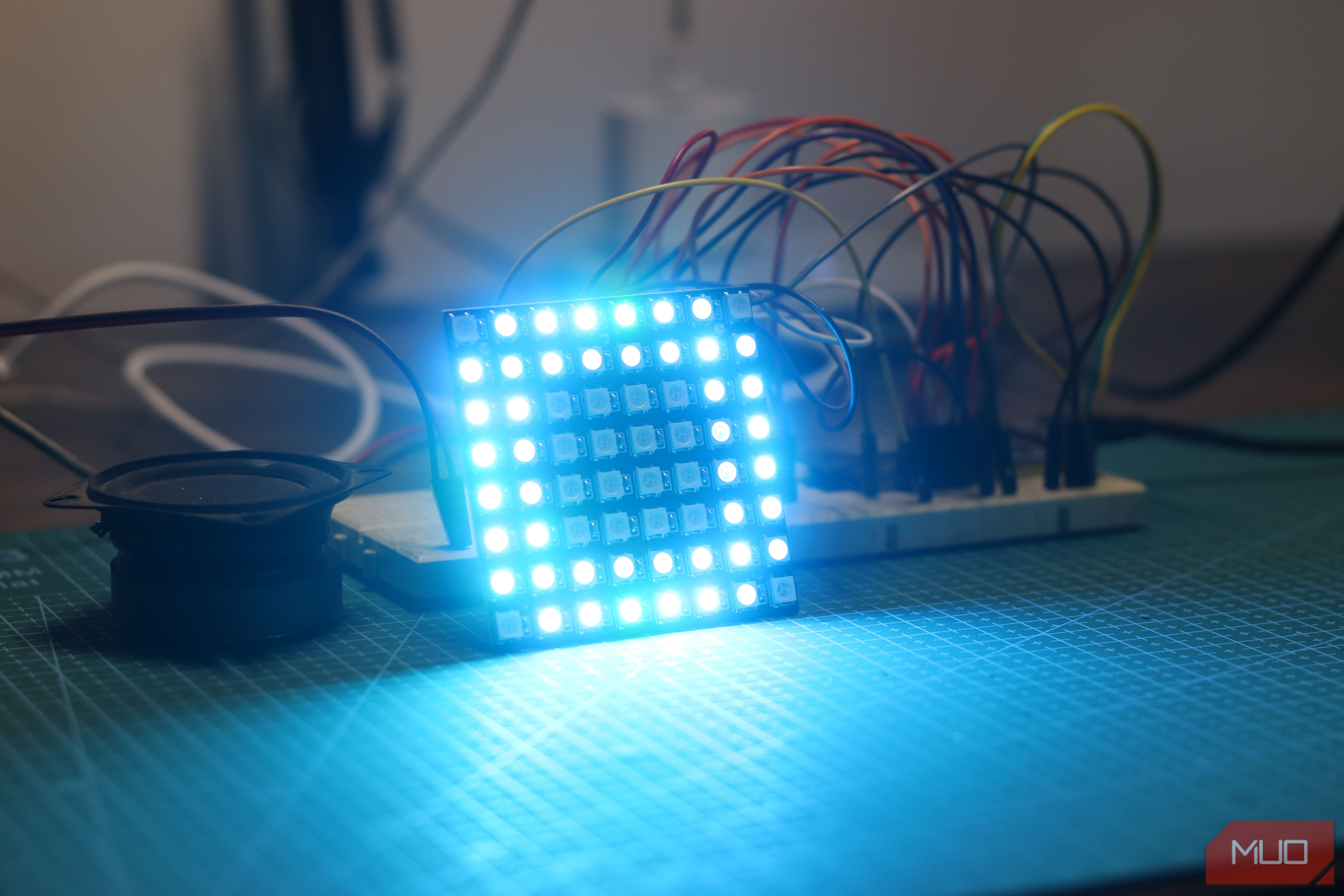
- Visual Feedback: WS2812B 8x8 addressable RGB LED matrix for visual state indication (wake word listening, inference processing, output error).
- Inference Pipeline: The ESP32 captures audio locally upon detecting a wake word and streams PCM data directly over Wi-Fi to a local server instance running Ollama and Home Assistant, routing requests entirely without cloud latency or third-party server exposure. Total hardware build cost remains under $15.
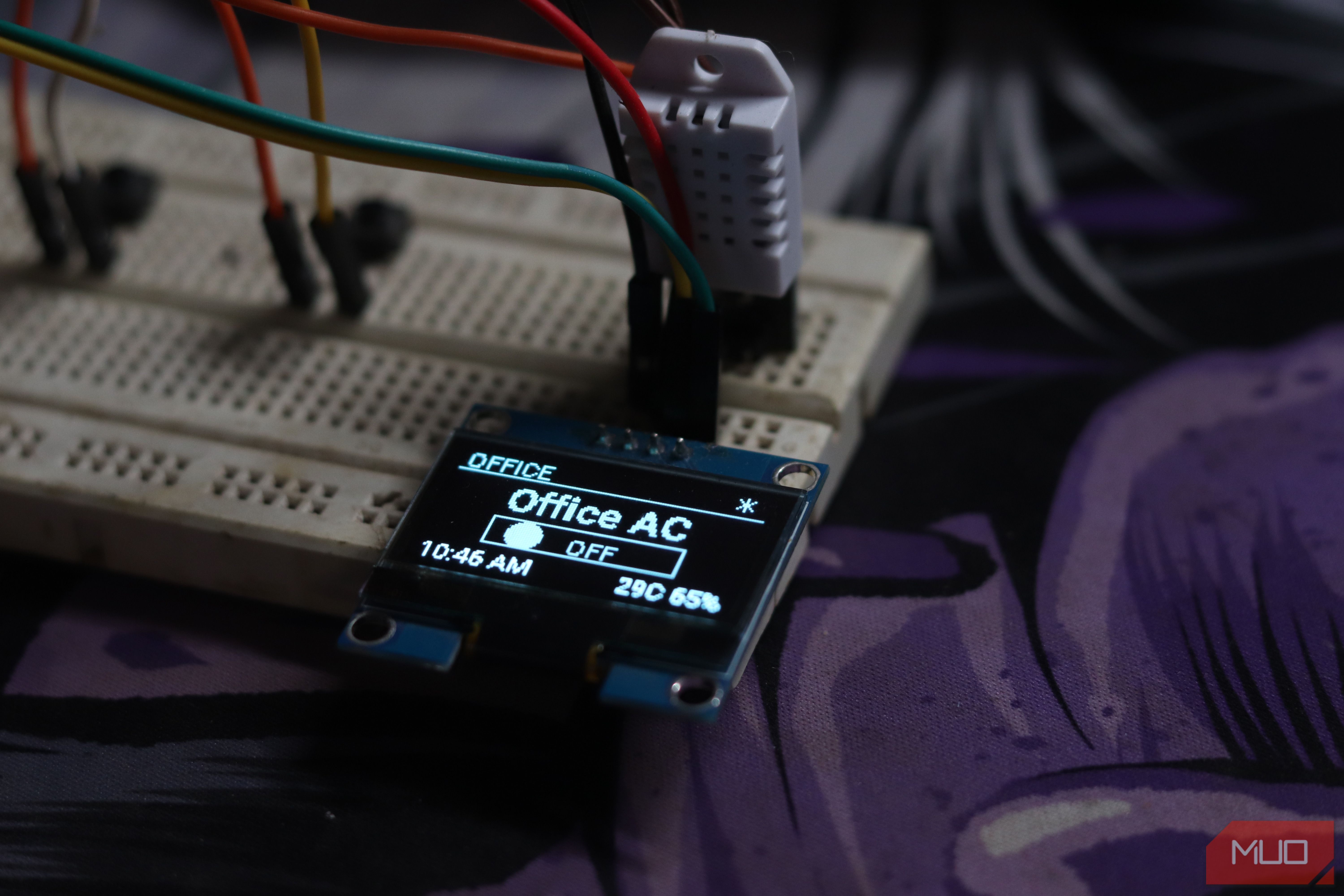
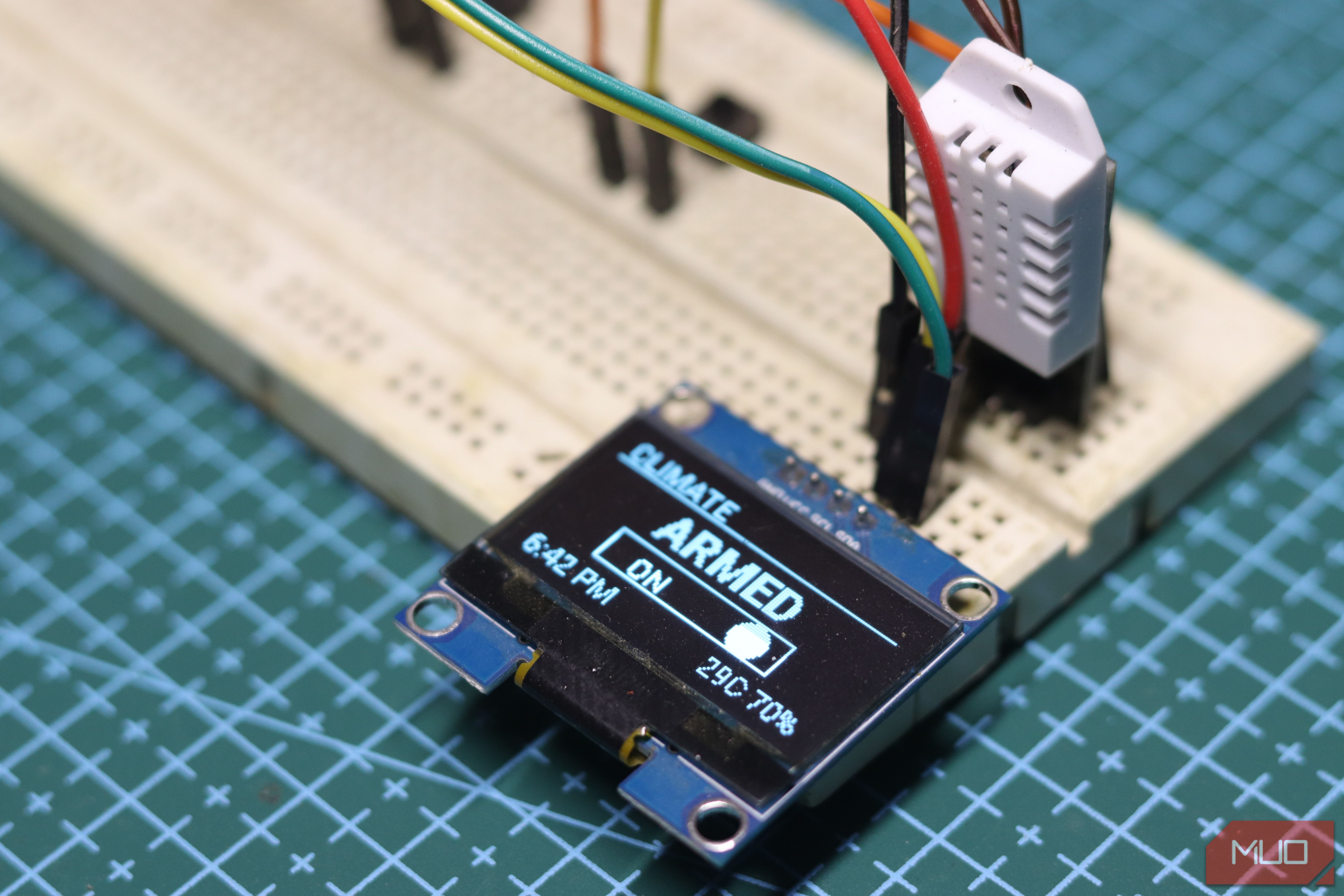
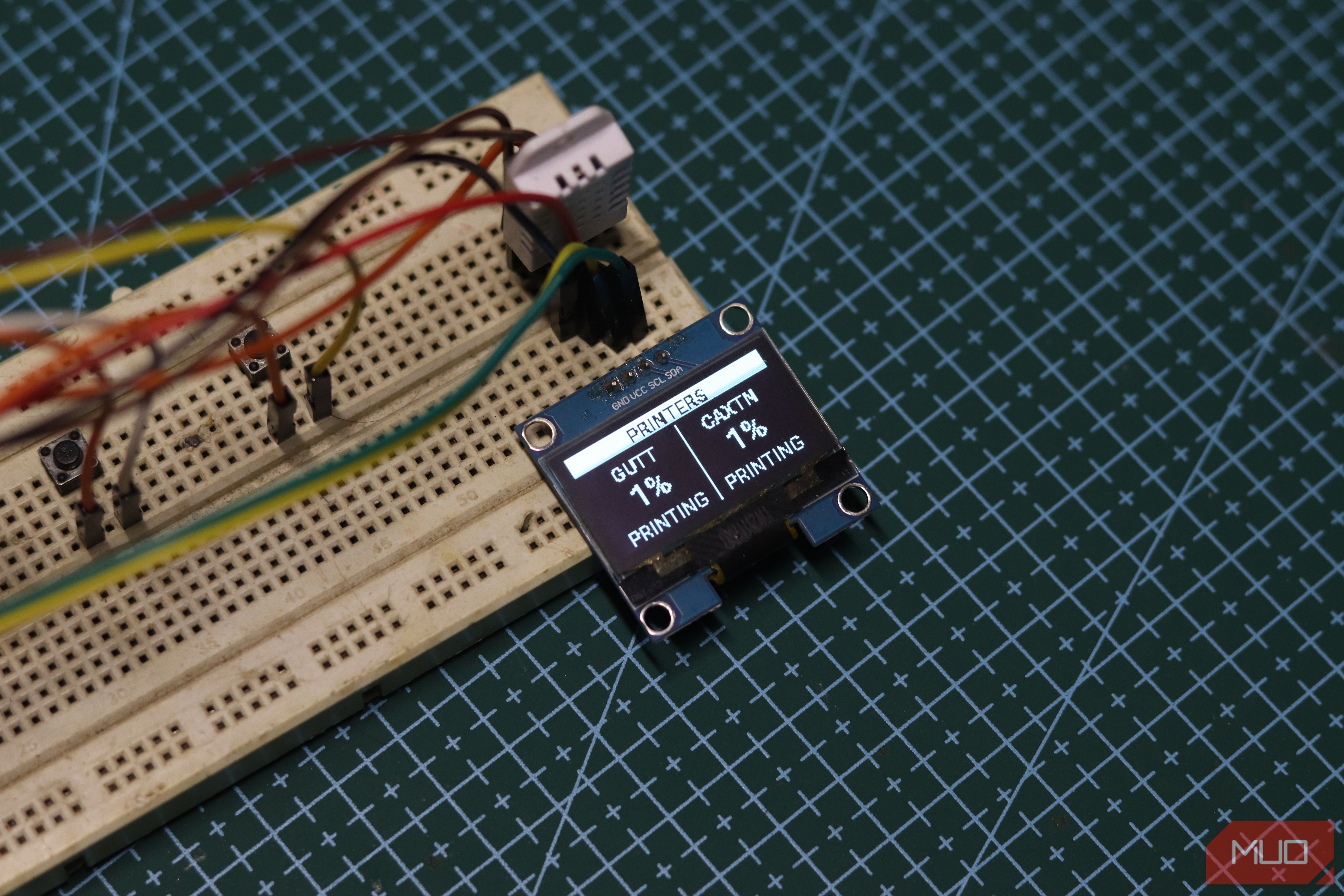
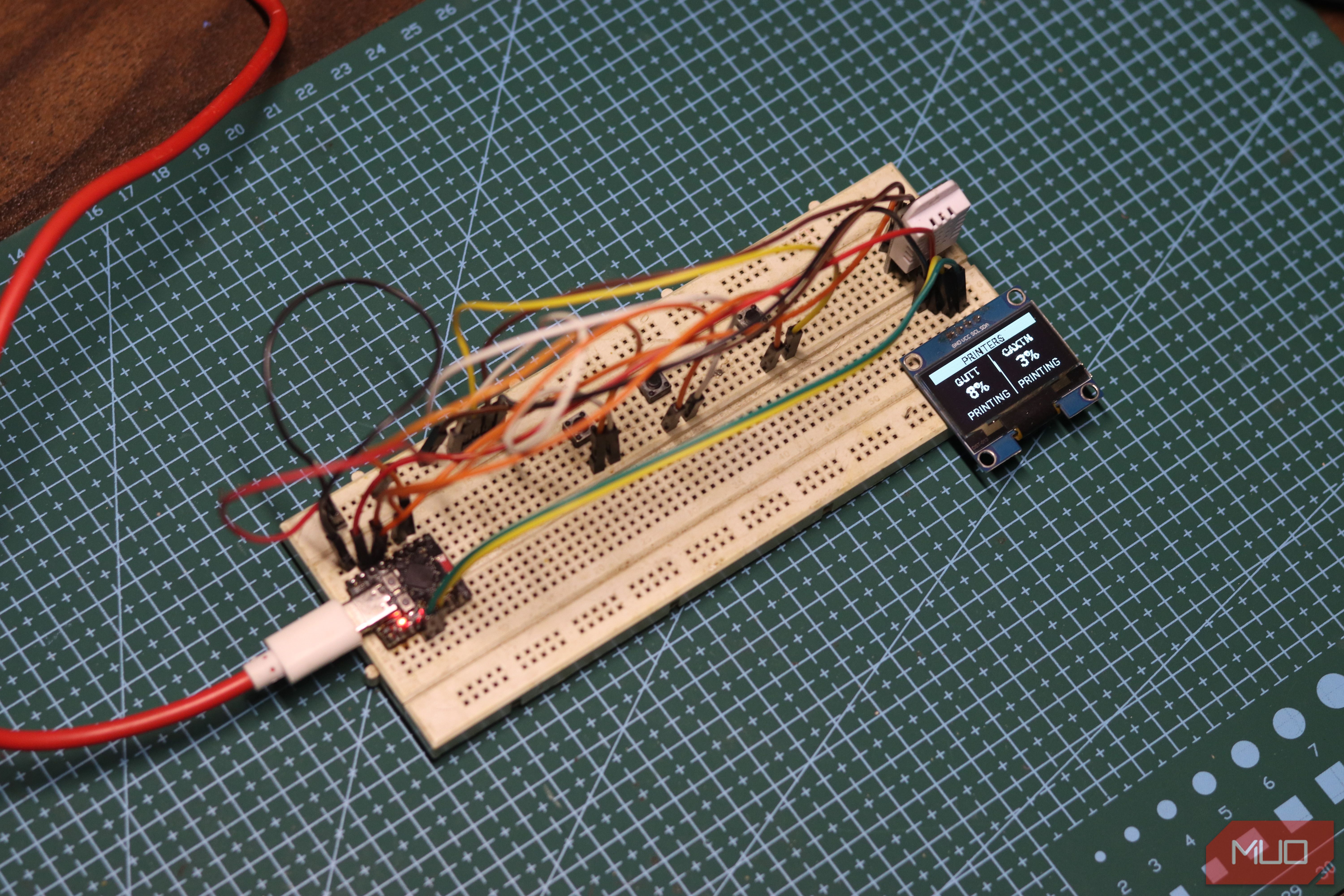
4. Smart Climate Controller & Physical Sensor Node
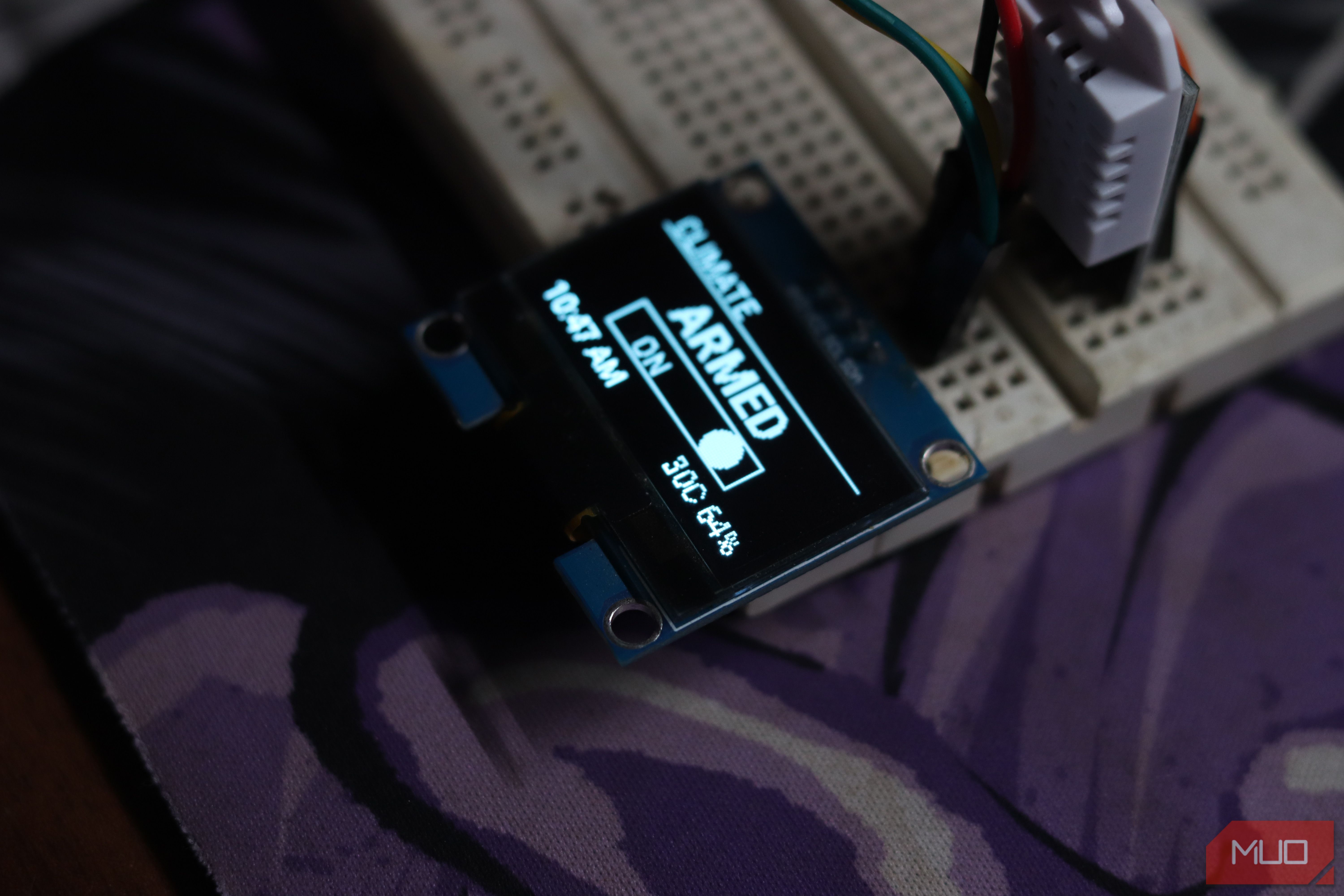
Transform non-smart window air conditioning units into automated, closed-loop climate control nodes.
Hardware & Automation Setup
- Sensors & Input: An ESP32 connected to a DHT22 high-accuracy digital temperature and humidity sensor and tactile push buttons.
- Actuation: Inexpensive smart power plugs (such as Tapo P110 with power monitoring) interface with the AC main supply.
- Logic Execution: The ESP32 streams environmental telemetry to Home Assistant via MQTT or native API integration. Home Assistant threshold automations switch plug relays on or off based on hysteresis curves, maintaining target room temperatures while physical tactile buttons provide immediate manual lighting control override.
5. Ambient Visual Notification LED Strip
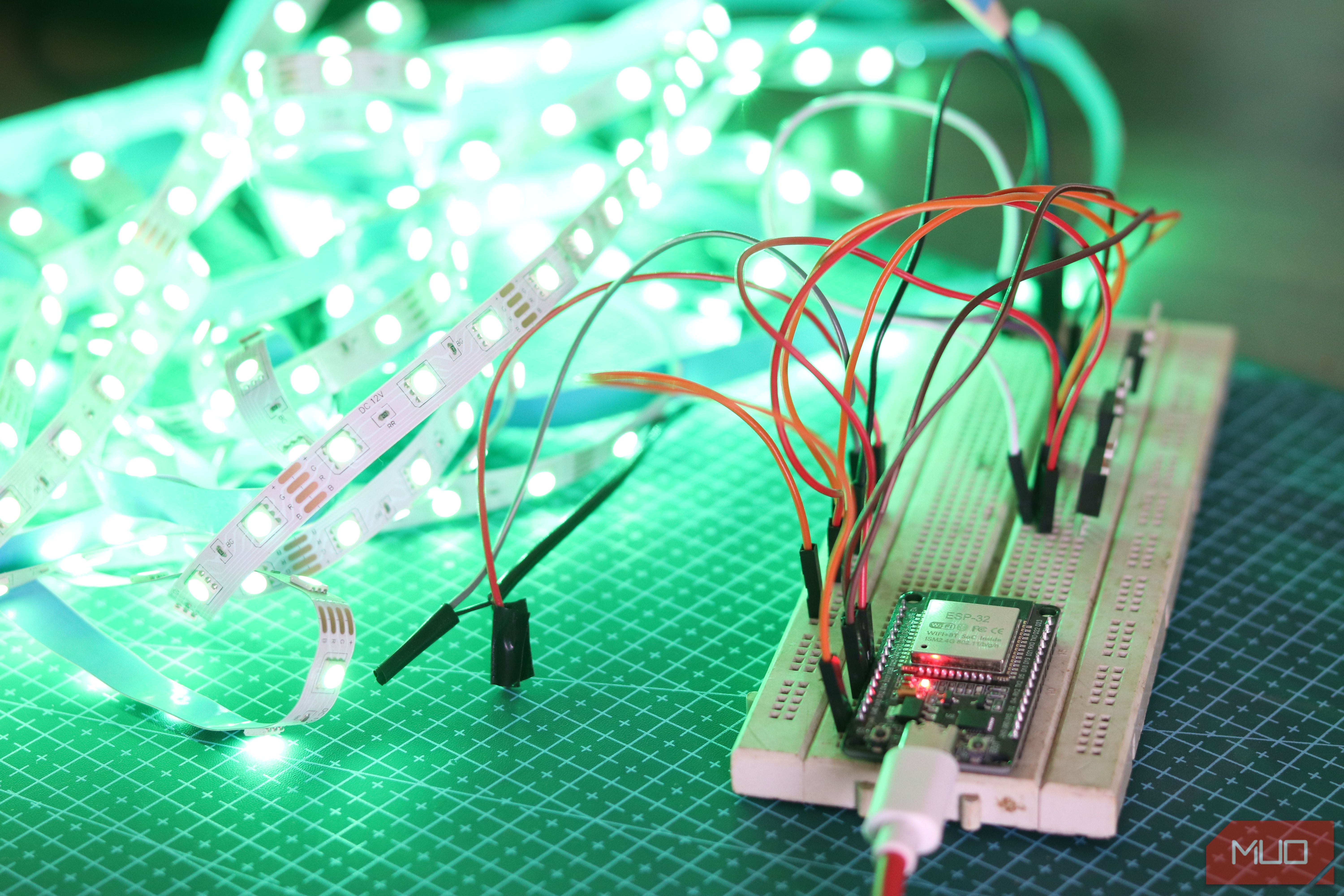
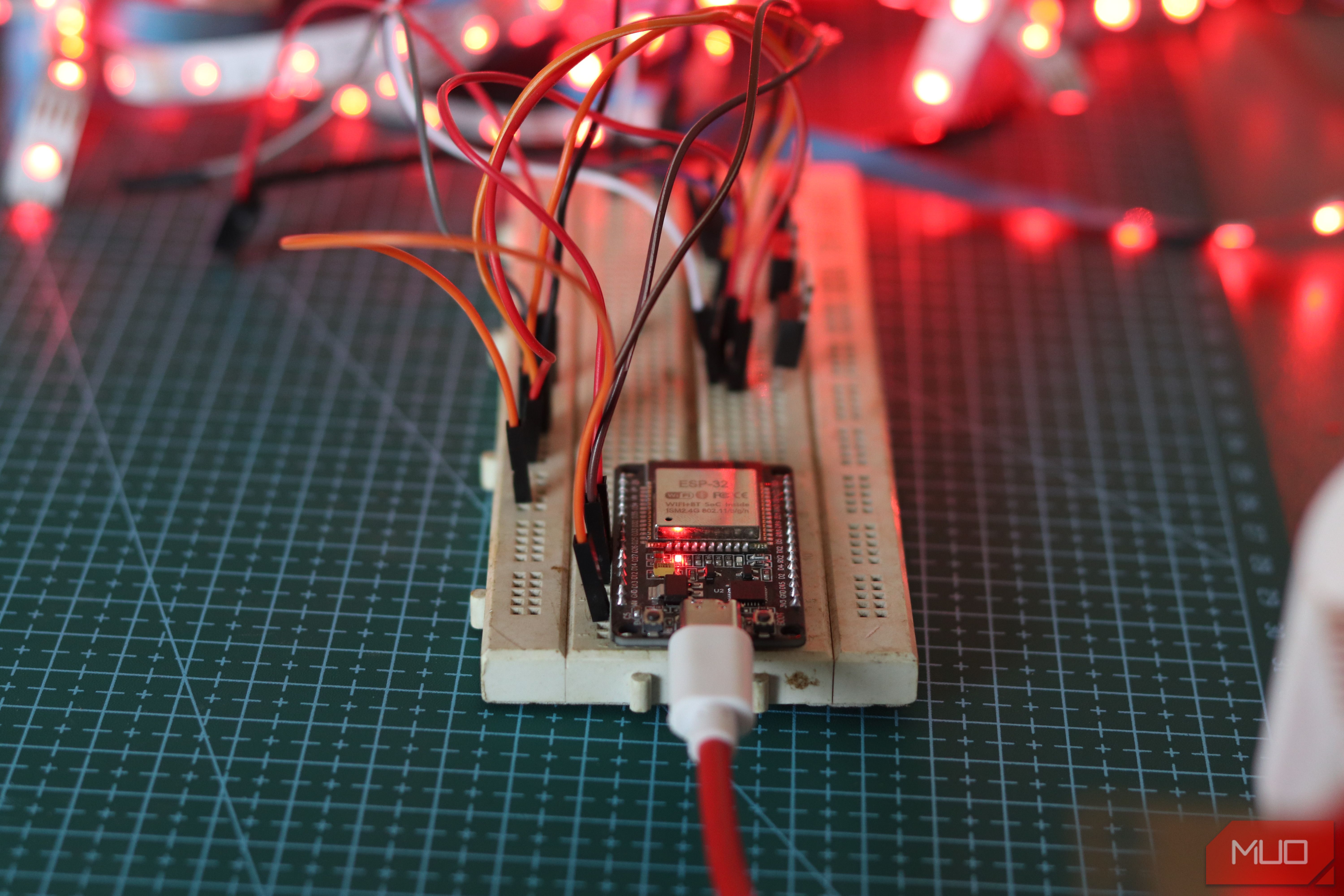
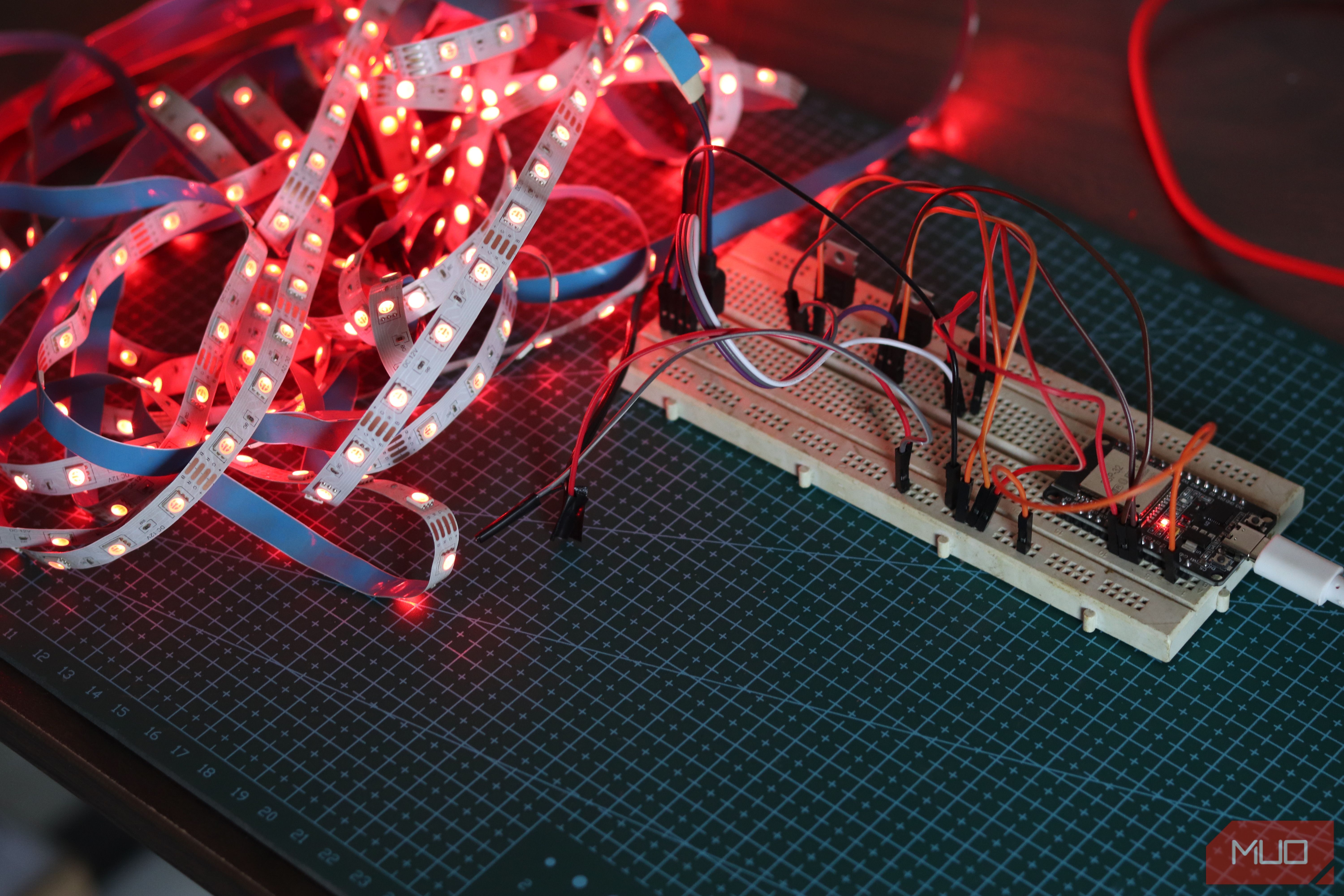
Repurposing addressable RGB LED strips into localized network status indicators eliminates reliance on intrusive audio alerts or phone screen notifications.
Integration Strategy
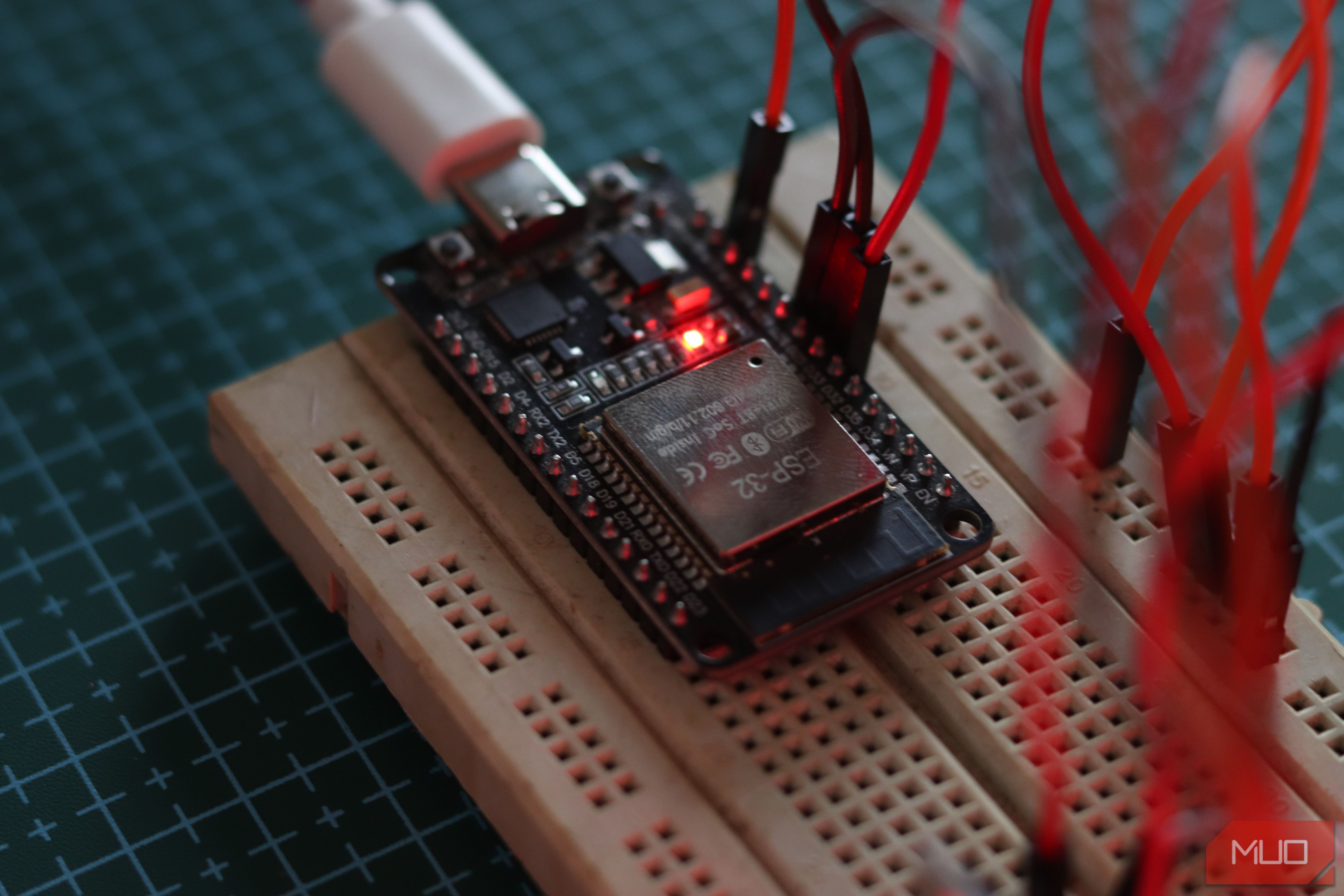
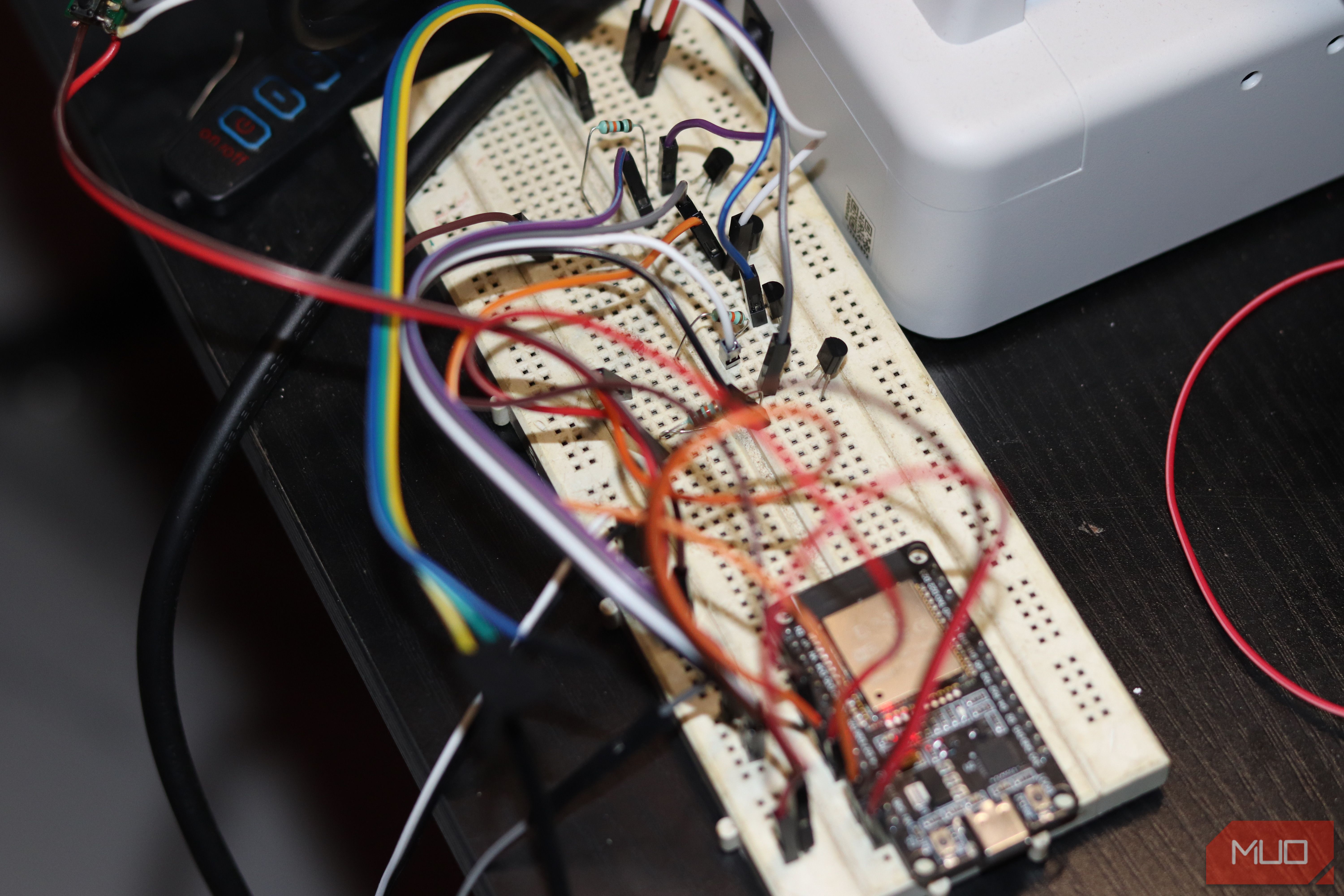
- Firmware Framework: Flash the ESP32 microcontroller with open-source WLED or ESPHome firmware.
- Home Assistant Automation Rules:
- 3D Printing Status: Flashes green upon job completion reported by OctoPrint or Klipper.
- Security & Access: Pulse animation triggered by video doorbell ring events.
- Network Failures: Constant red illumination when external ICMP ping checks to remote gateways fail.
Conclusion & Resources
Building functional smart home technology over a single weekend requires minimal hardware expenditure when focusing on local control platforms like Home Assistant, Docker containers, and inexpensive microcontrollers like the ESP32.
- Key Takeaway: Start with foundational infrastructure (like a headless home server), document physical pinouts and network reservations, and incrementally add dedicated micro-controllers.